Newsbin

iCloud-powered RSS. Built the Apple way.

For iPhone, Apple Watch, iPad, Mac, and Vision Pro

Terms & Privacy Policy Newsbin platforms
Download Newsbin

Every. Device.

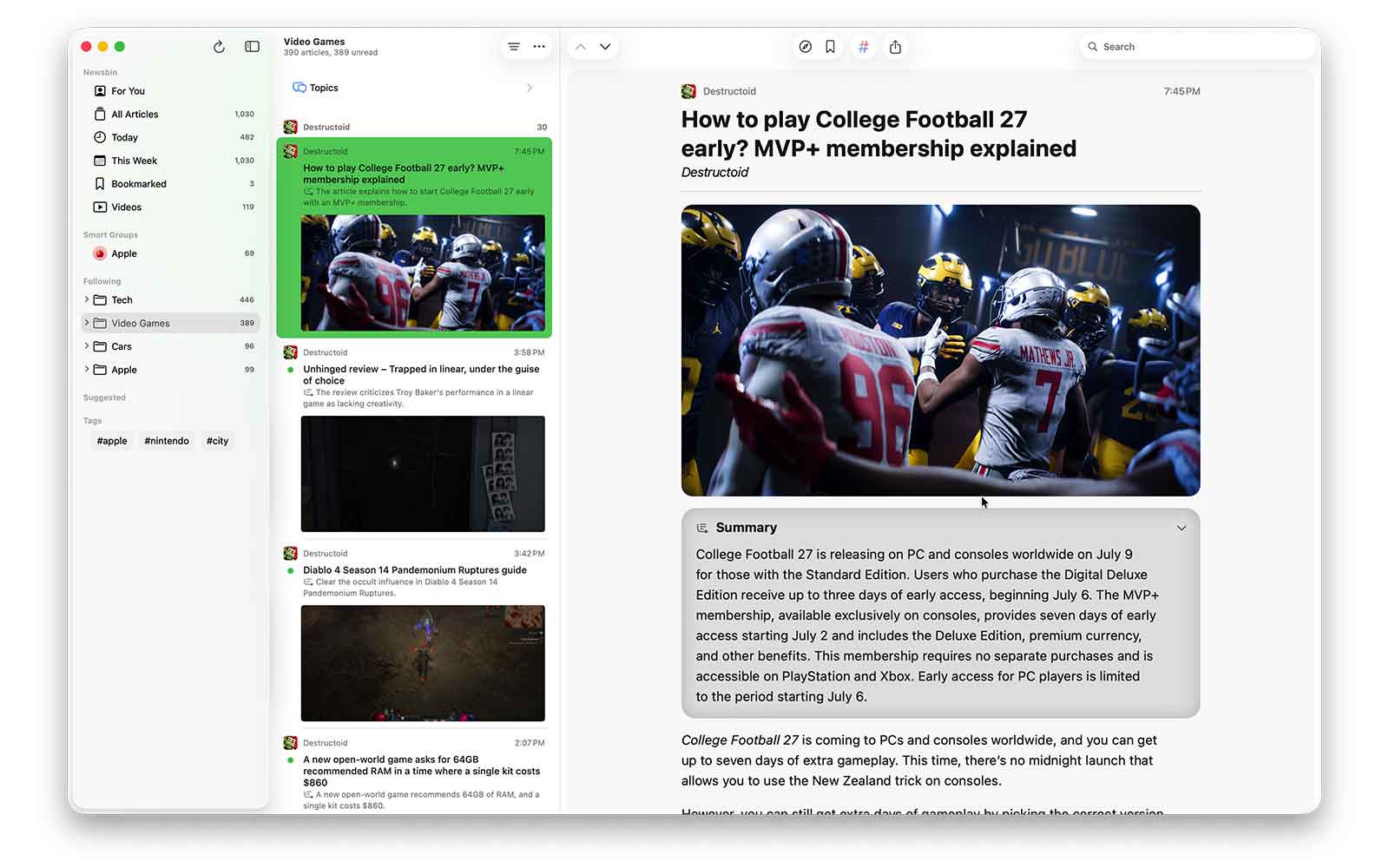
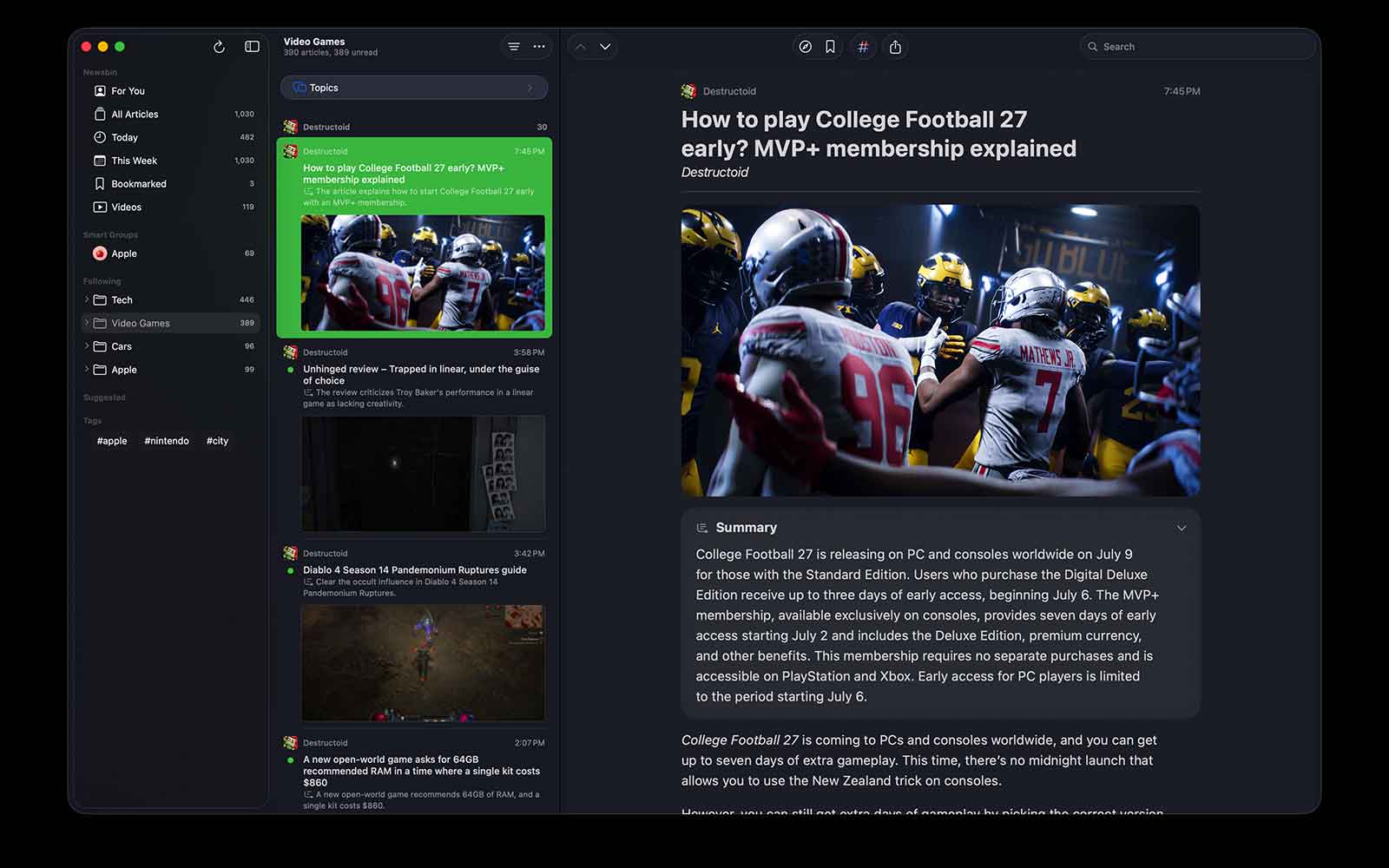
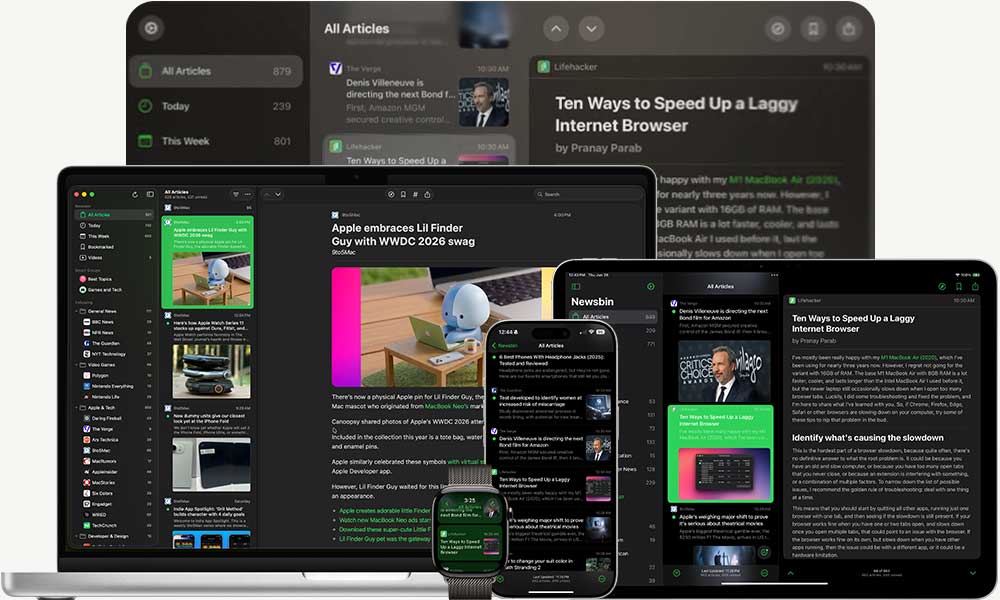
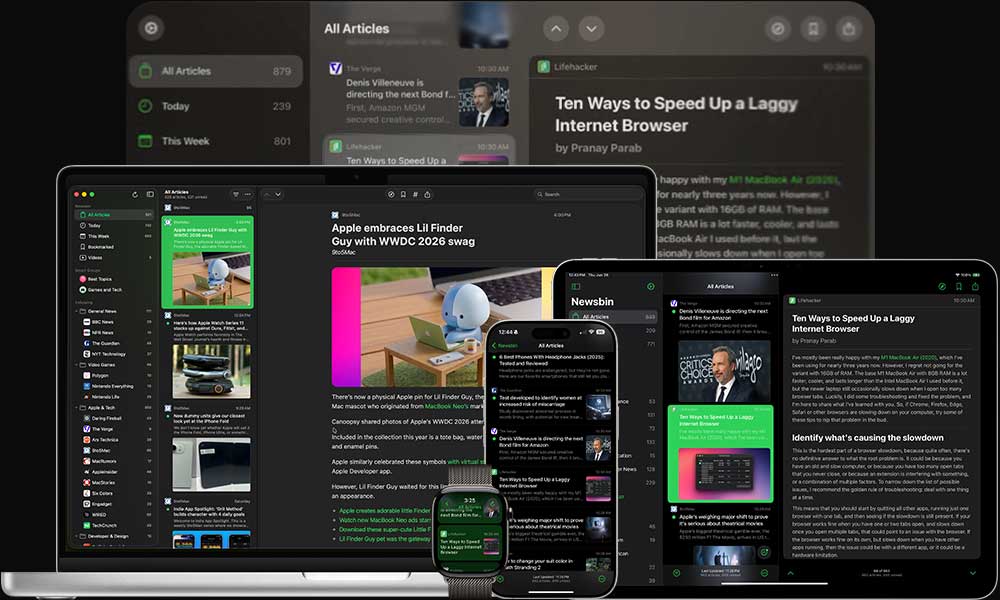
Newsbin feels right at home on iPhone, iPad, Mac, Apple Watch, and even Vision Pro!

Download Newsbin

Your iCloud

Your content syncs across all your devices using your personal iCloud account.

Download Newsbin

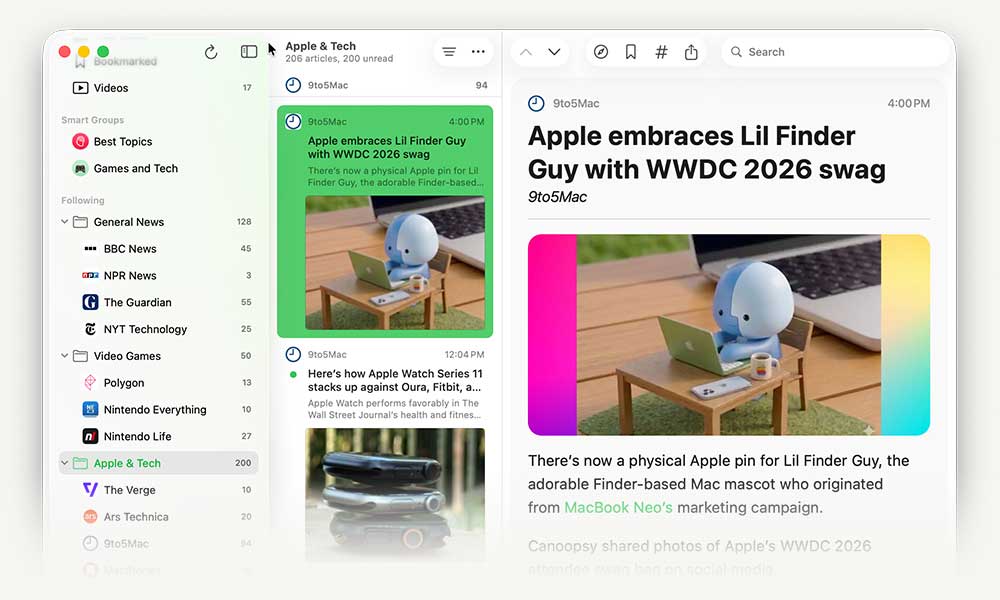
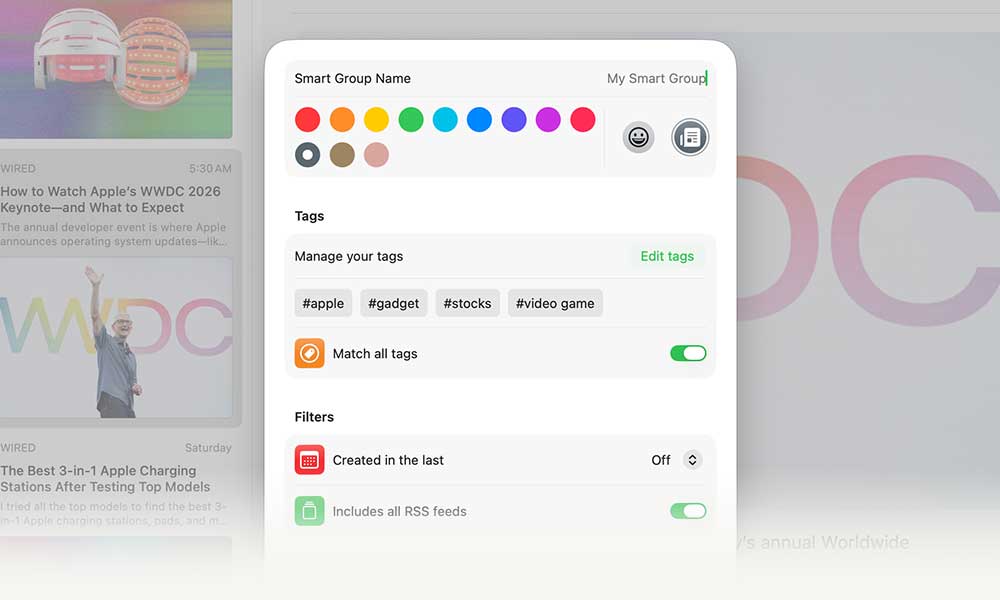
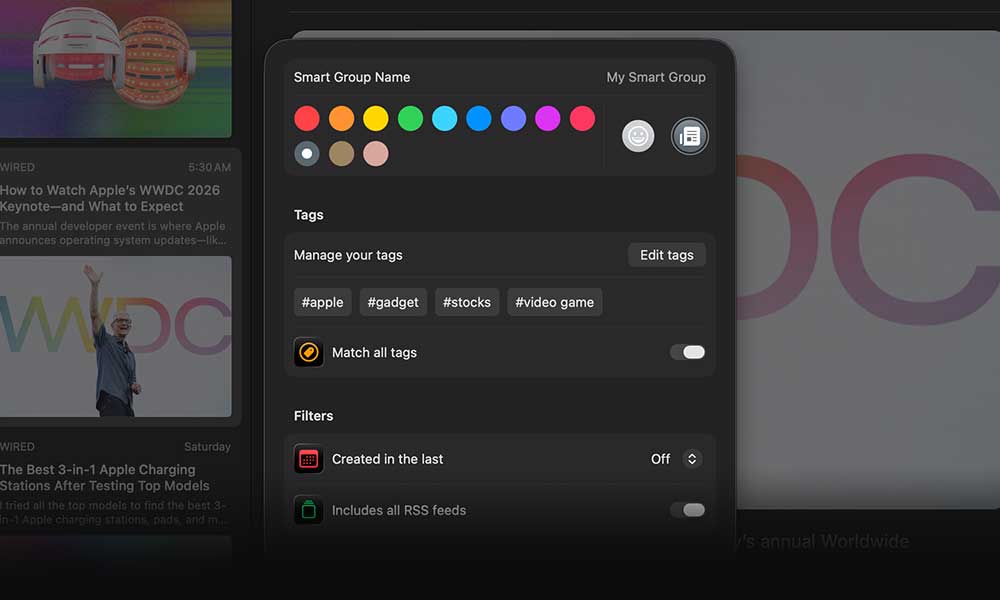
Smart Groups

Use smart groups to group articles by tag, feed, published date, or topics

Download Newsbin

Tag Your Way

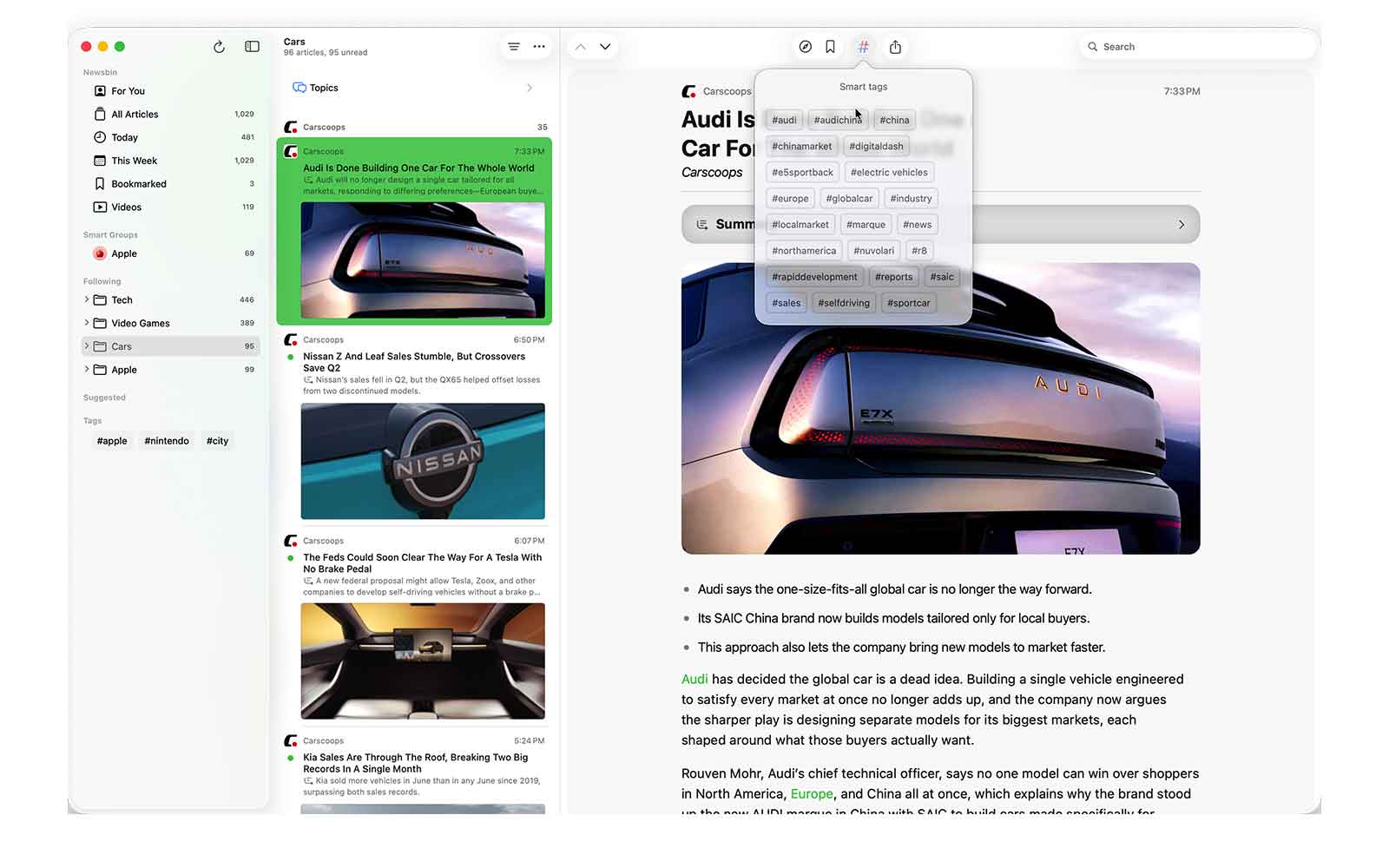
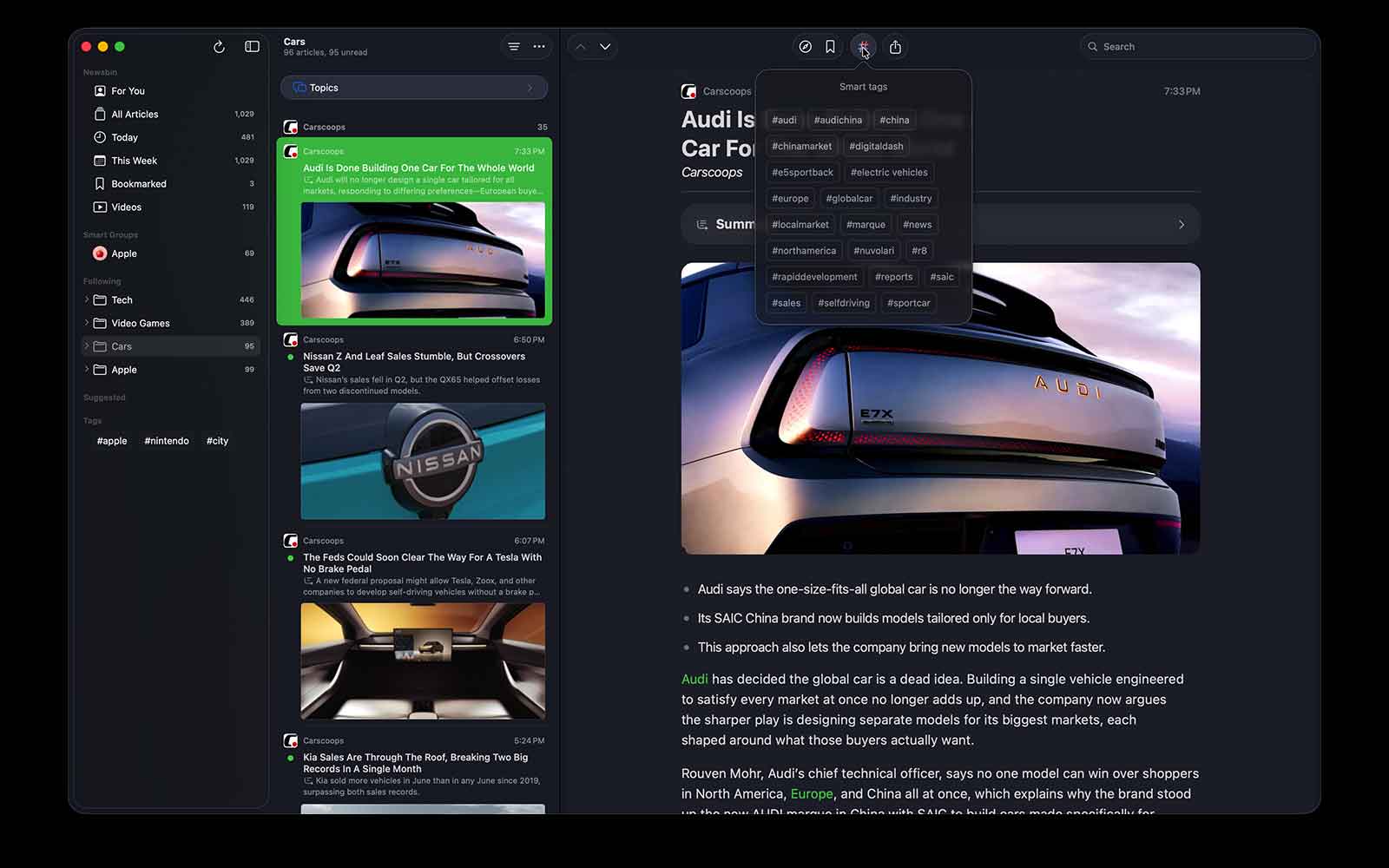
Organize your feed with custom tags — perfect for tracking topics and ideas

Download Newsbin

Blocklists

Block topics with ease — so your content stays focused, relevant, and clutter-free.

Download Newsbin

Bookmarks

Quickly bookmark must-read articles to revisit anytime on any device — even offline.

Download Newsbin

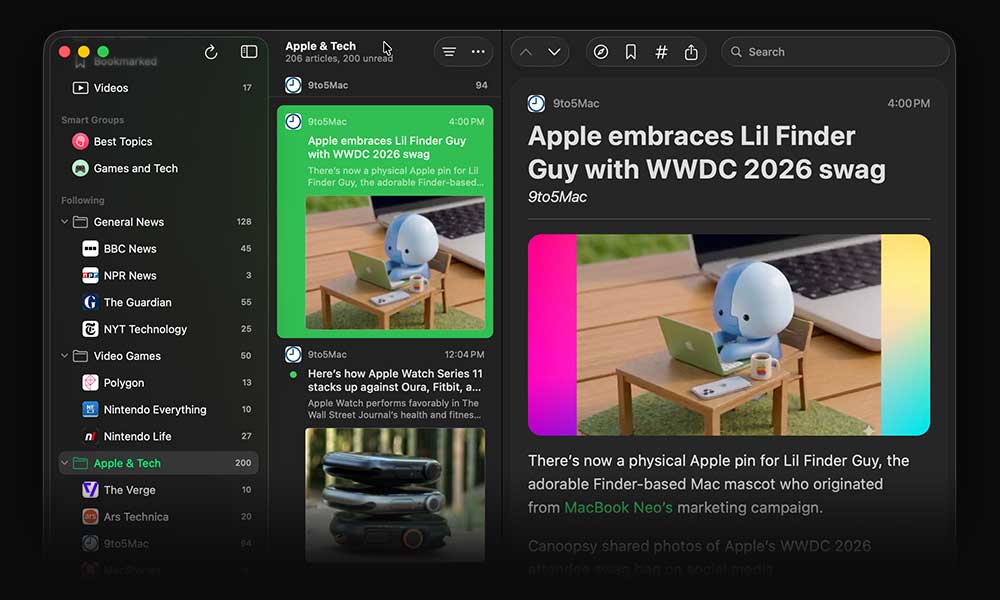
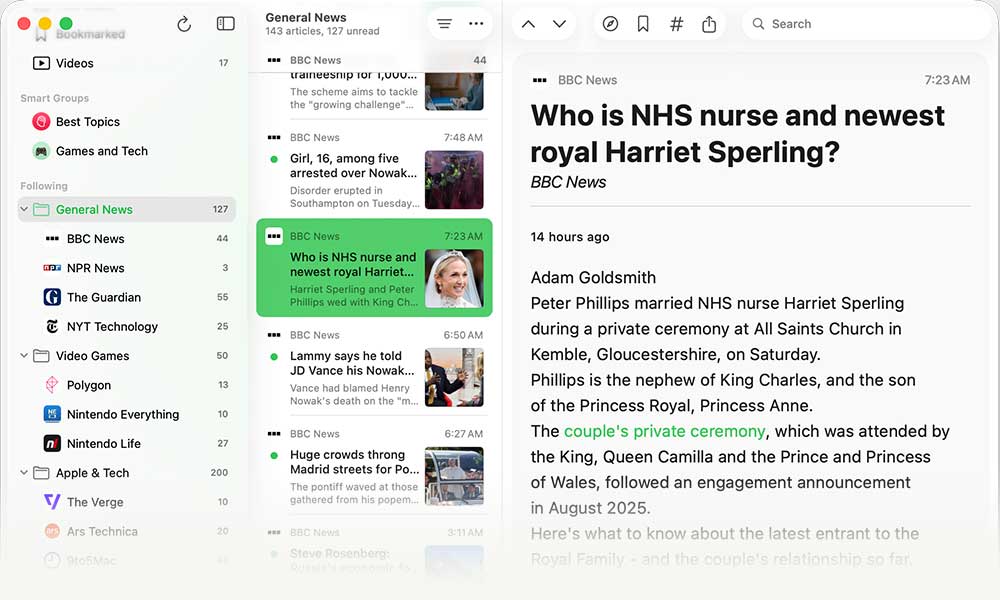
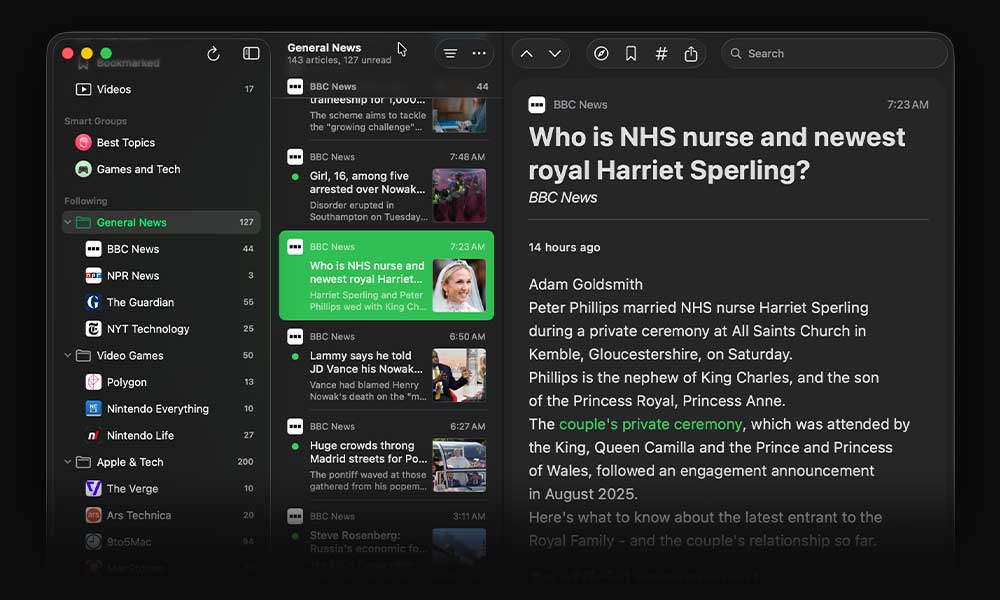
Display Modes

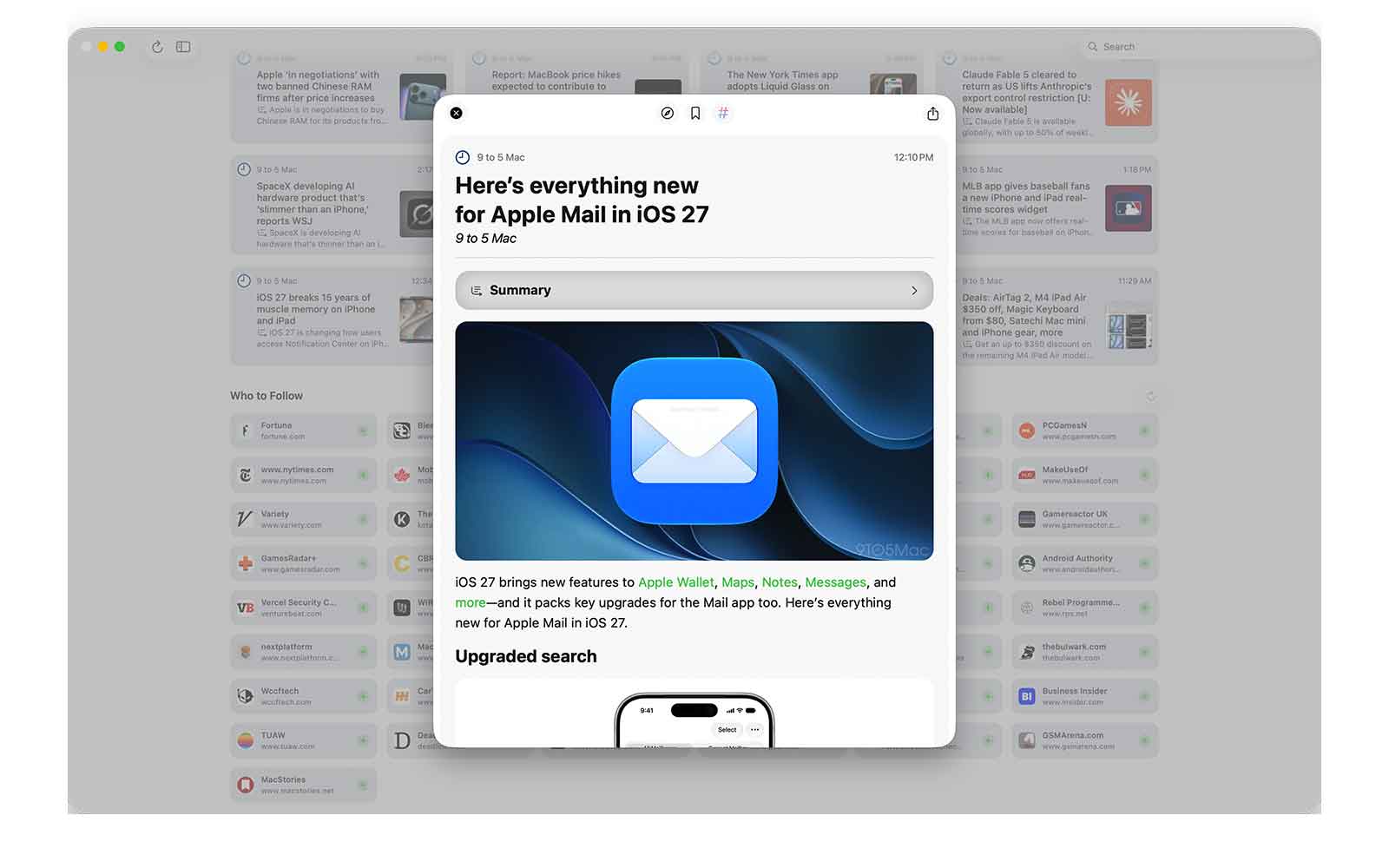
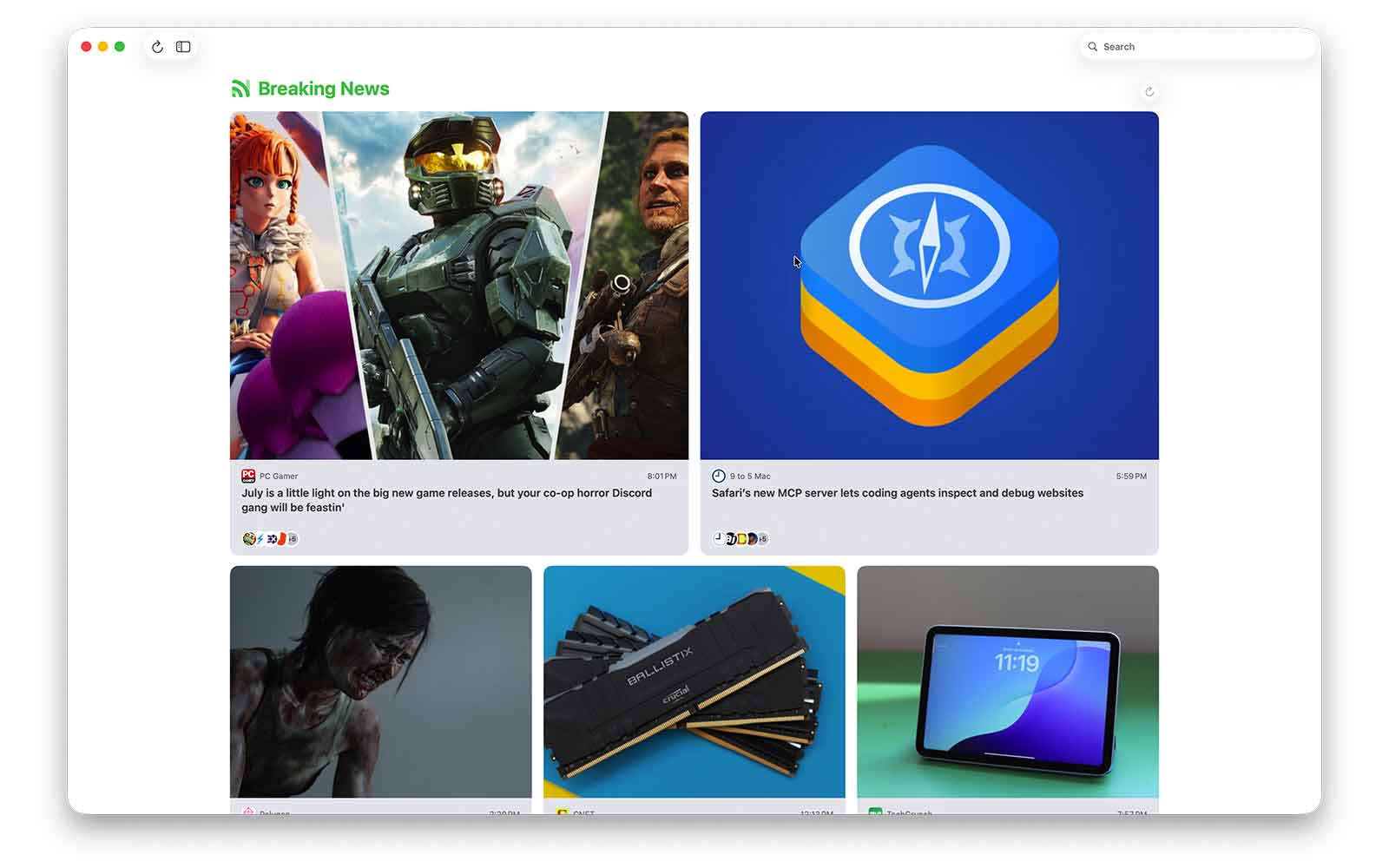
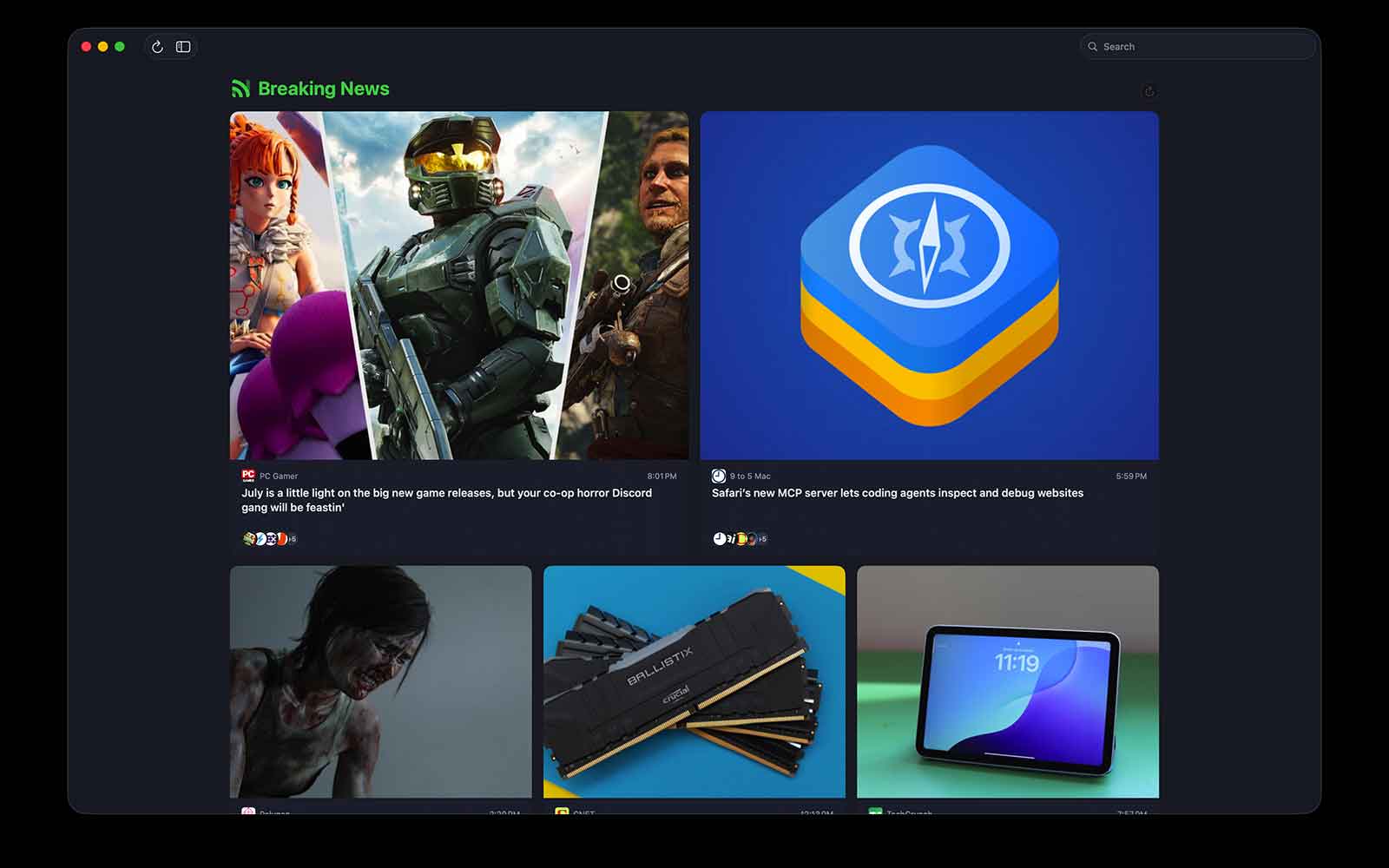
From fast-scrolling lists to image-forward layouts — choose the view that works for you.

Download Newsbin

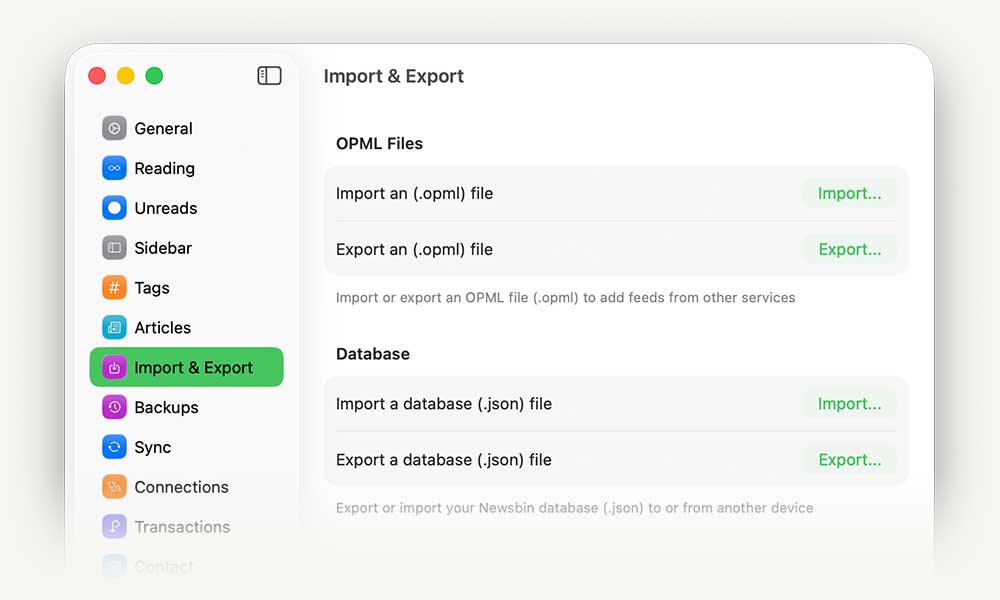
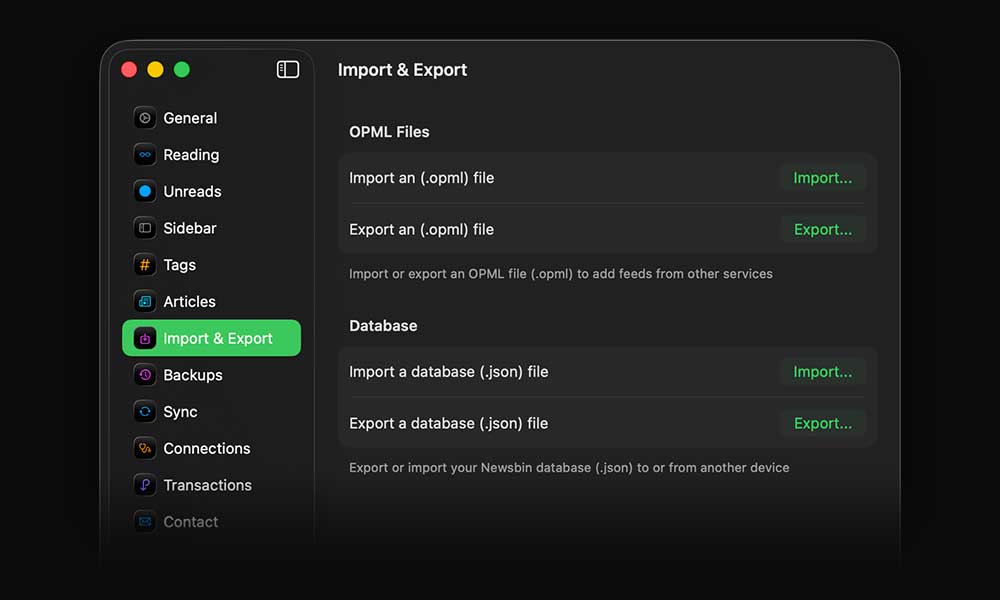
Import Your Feeds

Moving in is easy. Just import your OPML (.opml) file from any reader and you're ready to go.

Download Newsbin

Full Articles

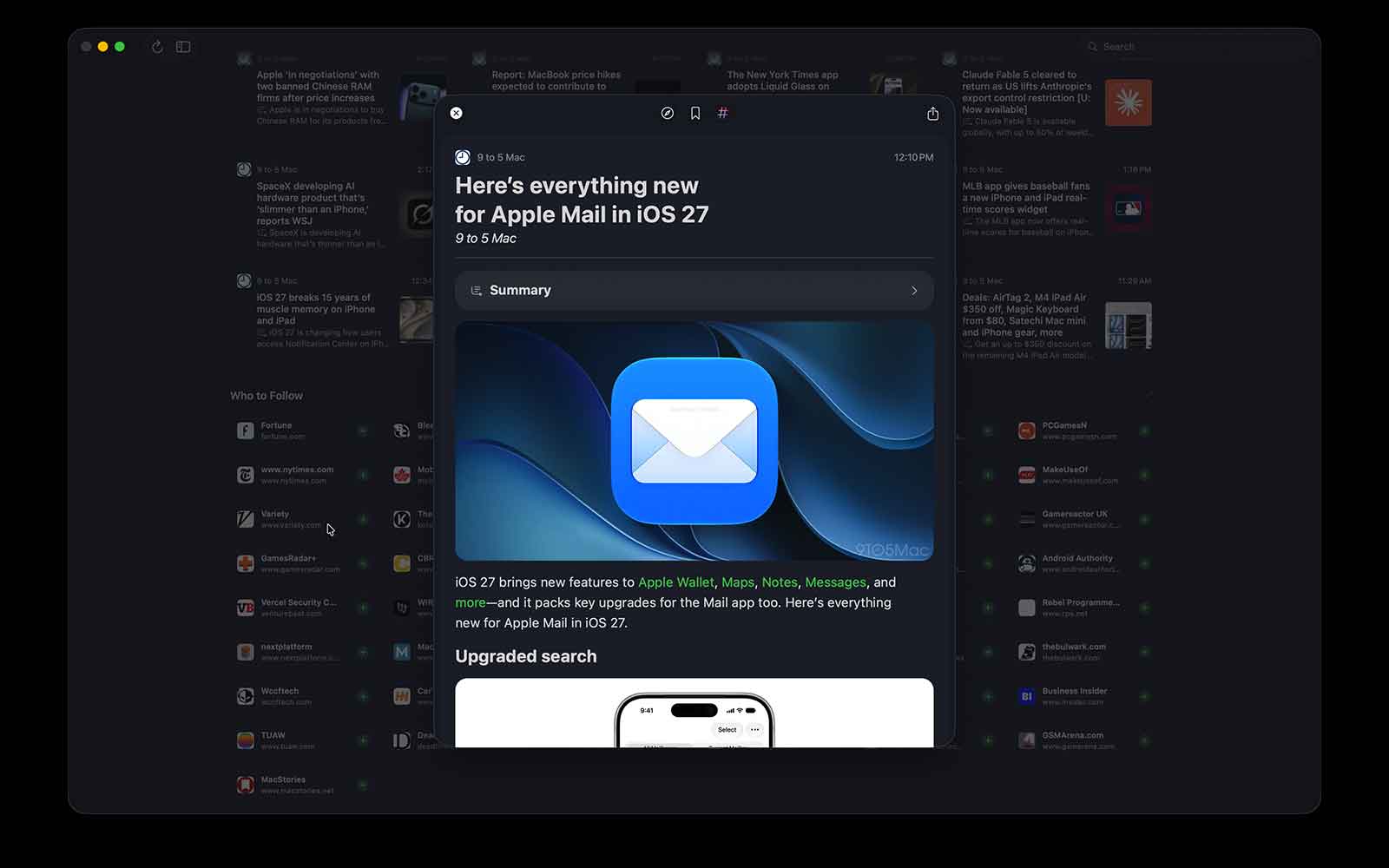
When a feed includes full content, Newsbin renders it beautifully right in the app

Frequently Asked Questions


Does Newsbin support services like Feedly or FeedWrangler?

Newsbin uses your iCloud account for seamless and secure sync across all your devices. This means there's no monthly fee, and it enables custom features like Tags and Blocklists that integrate deeply with your data.

How do I get my feeds into Newsbin?

Importing your feeds is simple — just select your OPML file from the settings page or welcome screen. Groups become smart groups, and your feeds appear in the Followed section.

How to export an OPML file

Can I export my feeds from Newsbin?

Yes — you can export your feeds directly from the settings page at any time.

Why is syncing slow the first time I use Newsbin?

Newsbin uses Apple's Swift Data database, which relies on iCloud to sync your content. Like with iCloud Photos, it may take some time for everything to appear across devices. If you'd like to speed things up, you can manually export your database from one device and import it into another — iCloud will handle the rest.

How do I use Newsbin on Apple Watch?

Newsbin's Apple Watch app requires an iPhone to function. Once you've set up the app on your iPhone, your content will automatically sync to your Apple Watch.

Do I need to purchase Newsbin for each device?

Nope — Newsbin is a universal app. Buy it once, and you'll get full access on iPhone, iPad, Mac, Apple Watch, and Vision Pro. No subscriptions, no per-device charges. And right now, it's available at a discounted launch price for a limited time.