Blog
Newsbin 2.0: AI, on your terms
I’ve spent a lot of words on this blog complaining about AI junk. So adding AI to Newsbin deserves an honest explanation, because Newsbin 2.0 is, on paper, an AI release, and I want to be clear about why that isn’t a contradiction.
The AI I’ve complained about is the kind that gets in your way: chatbots begging for attention, algorithmic feeds deciding what you see, slop generated to farm clicks. The AI in Newsbin 2.0 is the opposite. It helps you get through your reading and then leaves you alone. It summarizes, clusters, and organizes in the background, so you spend less time wrangling feeds and more time reading. That’s more or less Apple’s whole stance on this (AI as a helpful tool that recedes into the background, not a flashy destination you have to go visit), and it’s mine too.
It also stays true to everything Newsbin has always been: it runs on your device or your own key, it’s entirely optional, and it never routes your reading through me. Private, native, no lock-in, now with a few genuinely useful new tricks.
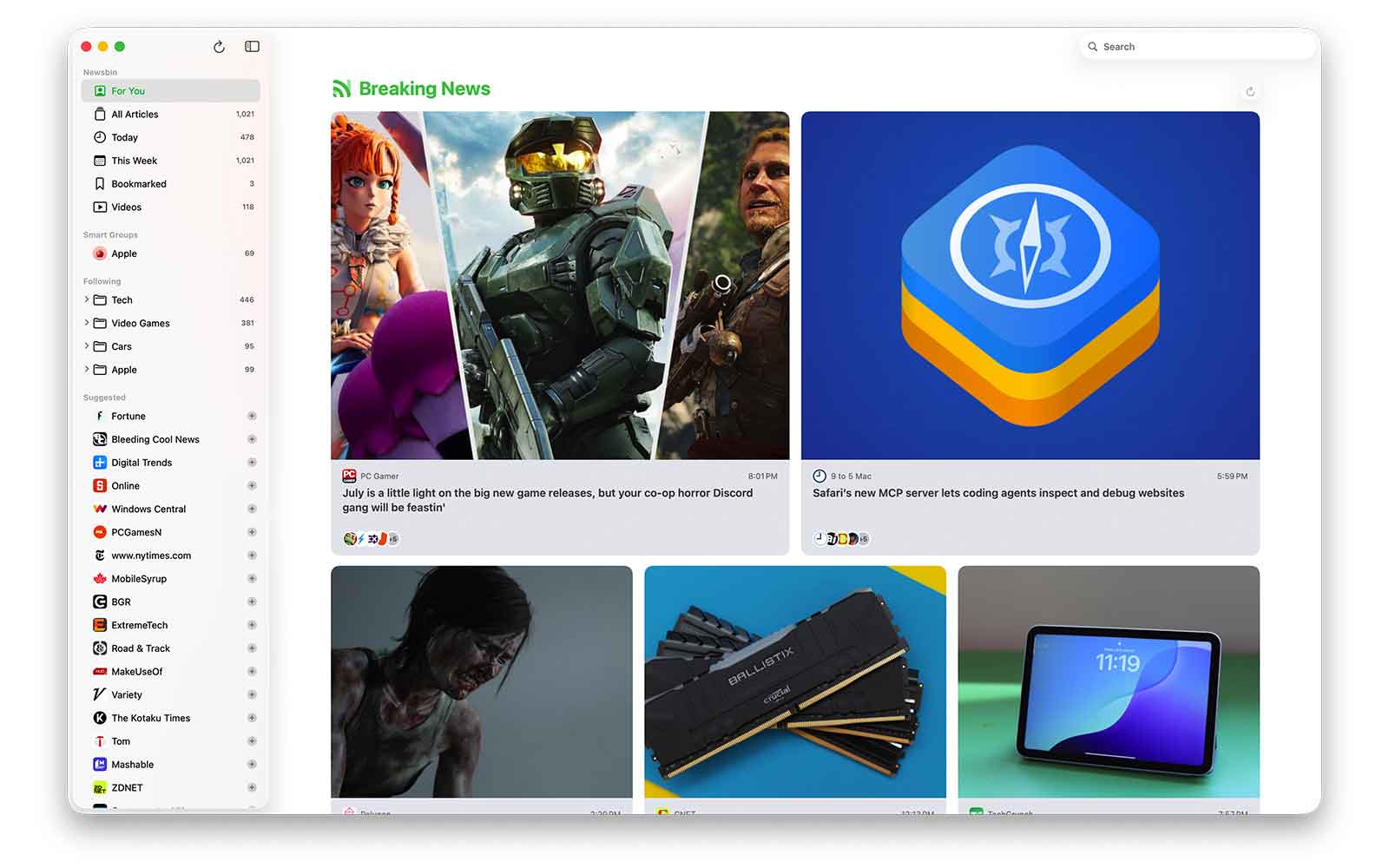
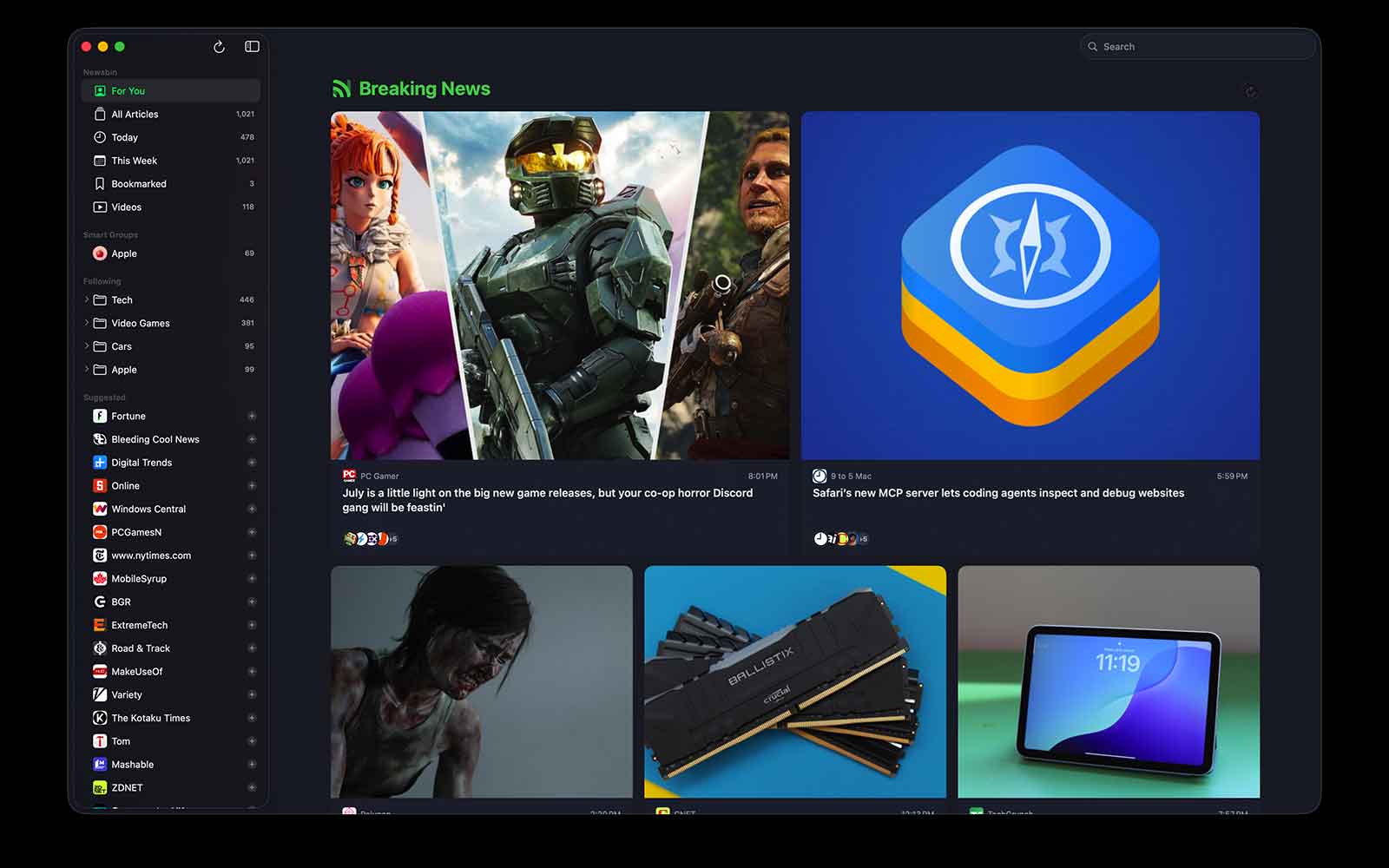
For You
A feed that learns what you read, on-device, based on what you spend time with rather than what an ad network wants you to click. Turn it on, turn it off, it’s yours.
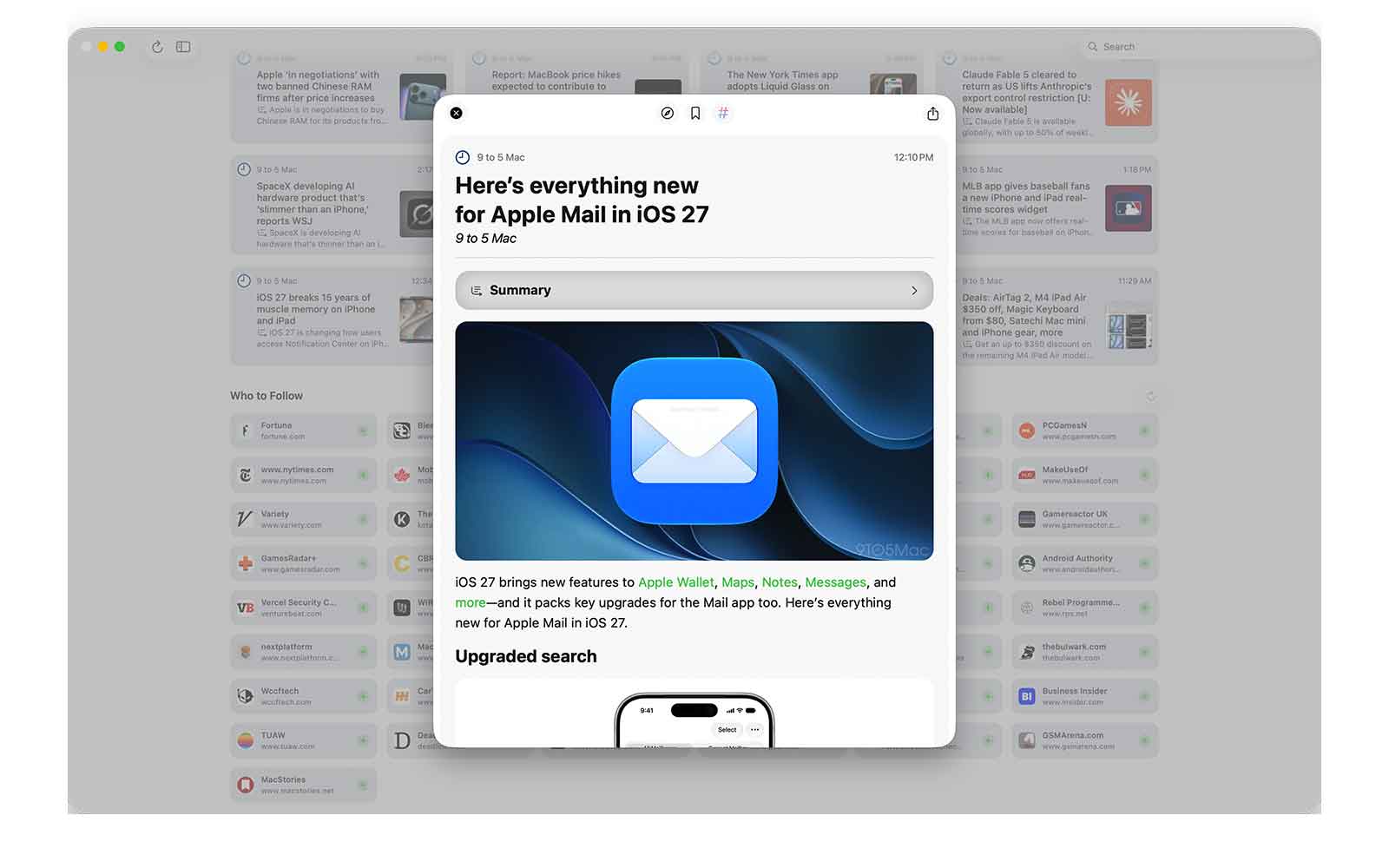
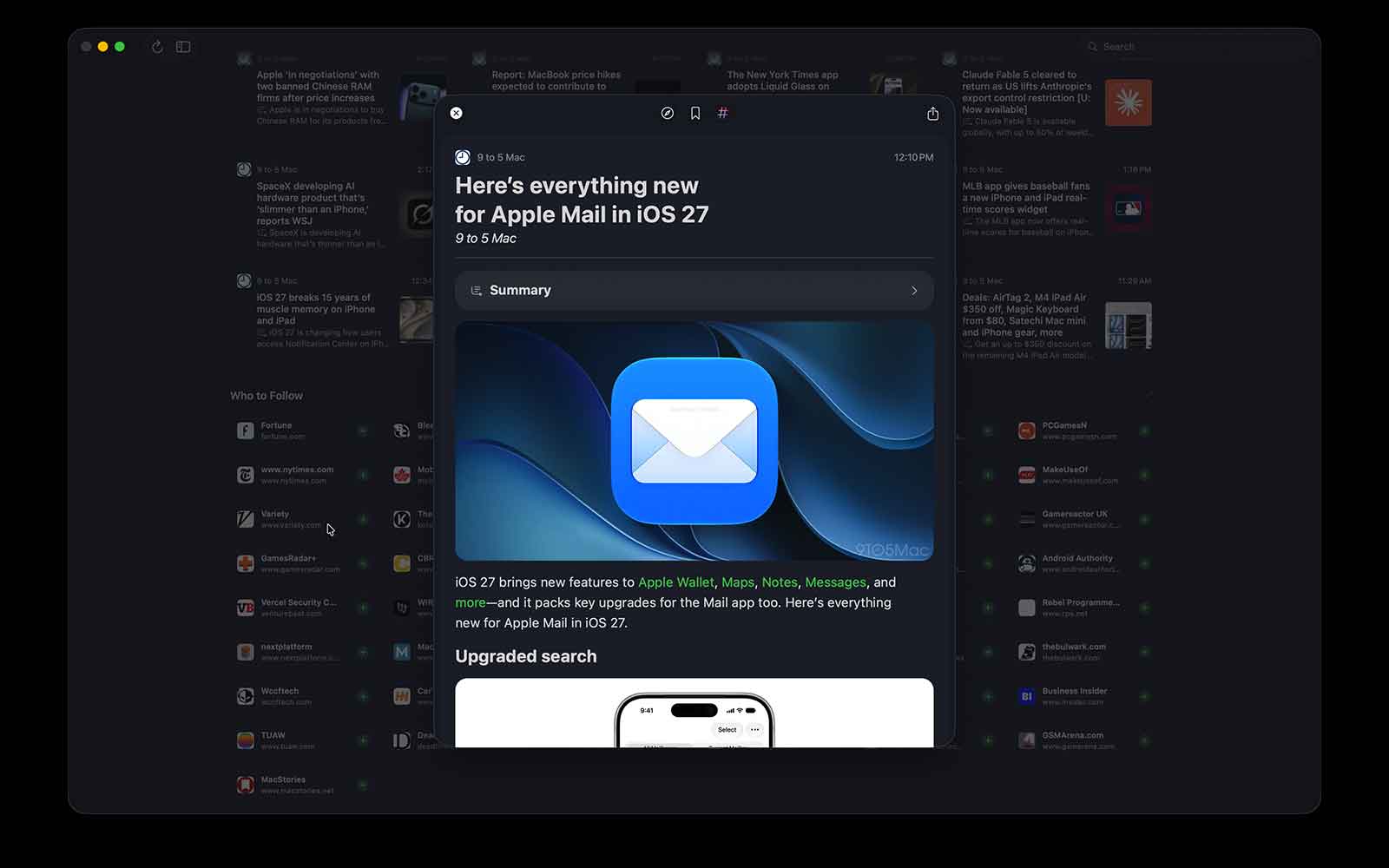
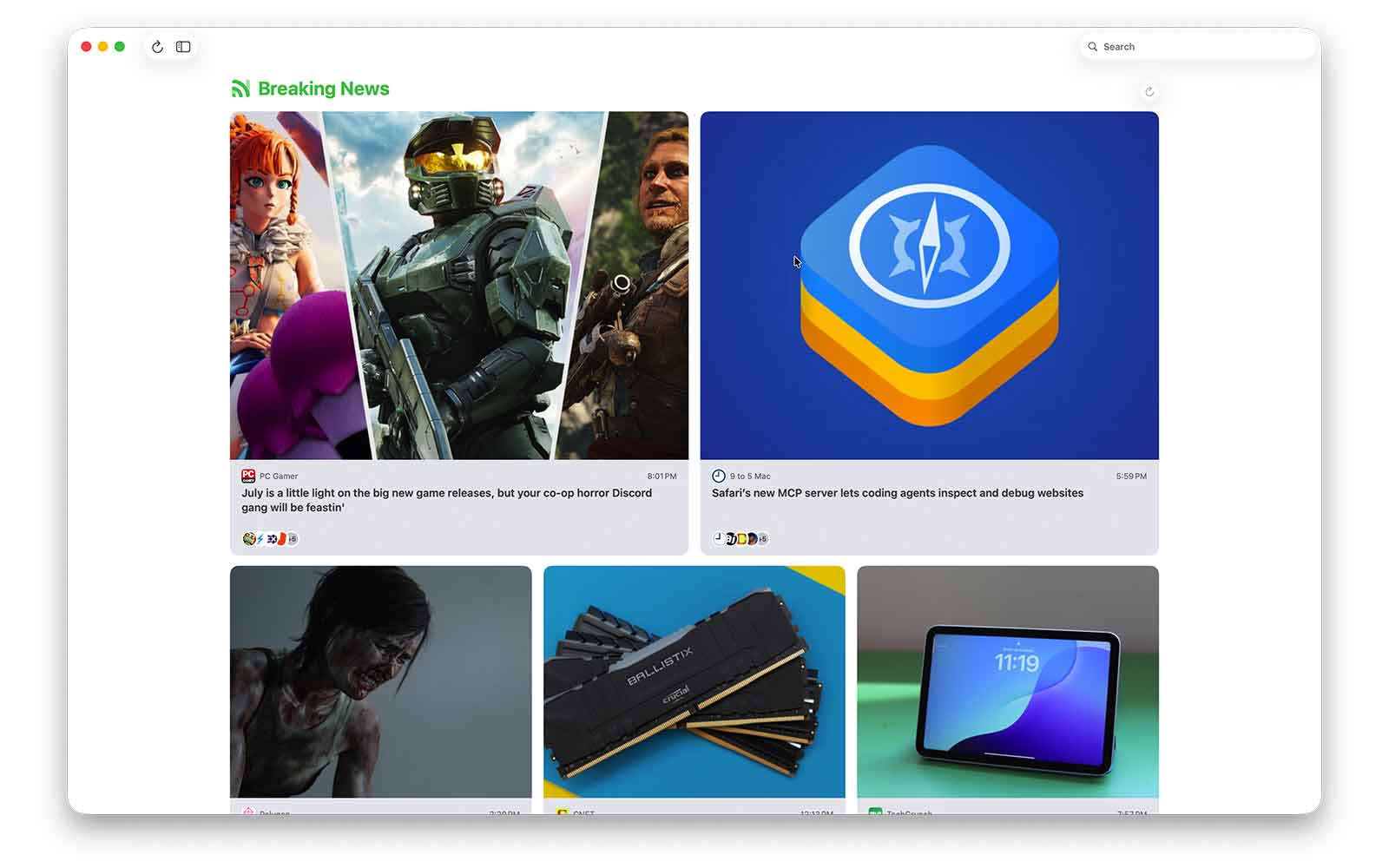
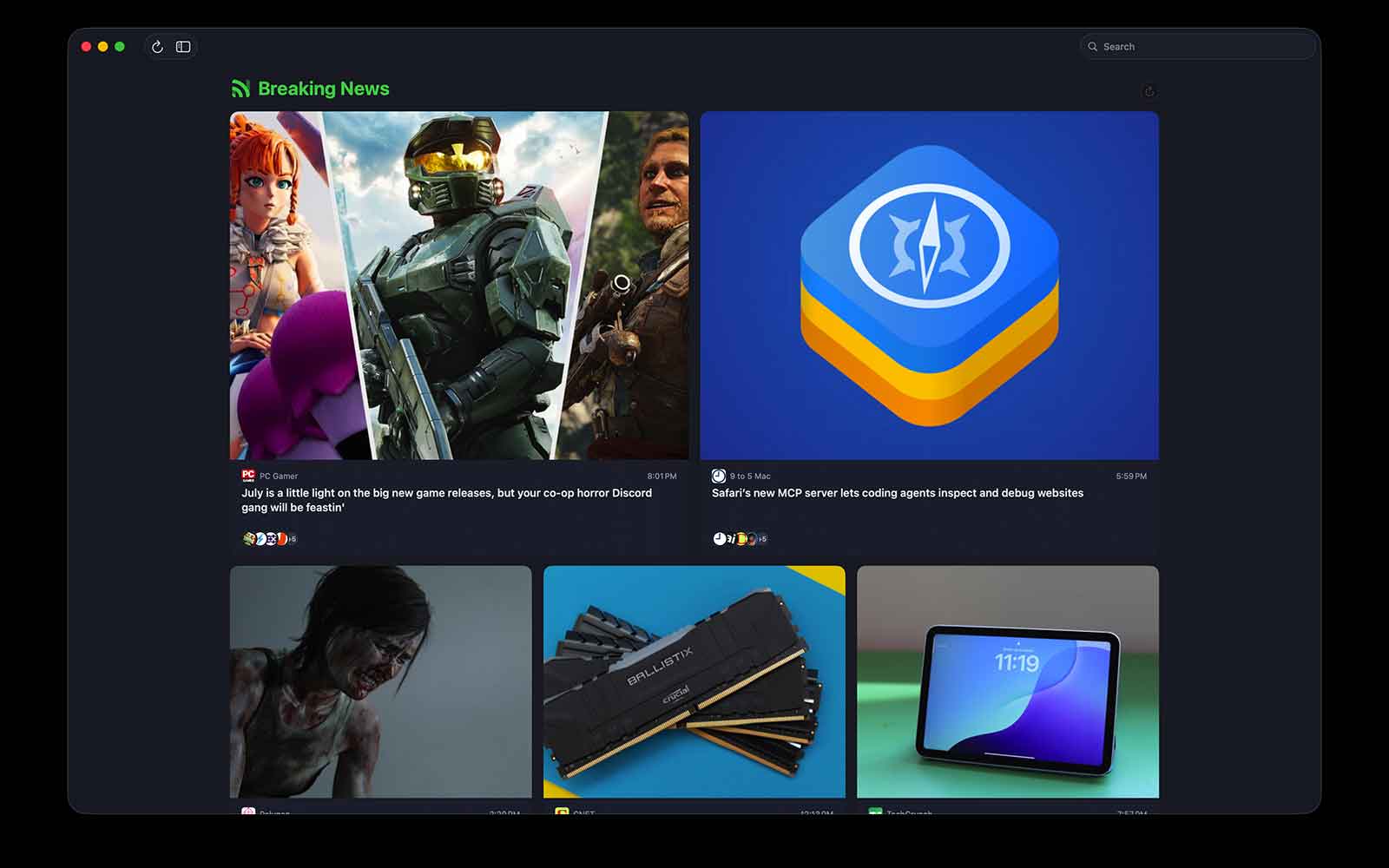
Breaking News
When the same story breaks across a dozen sources, Newsbin now recognizes it and clusters the coverage together, so you see the event once instead of twelve near-identical headlines.
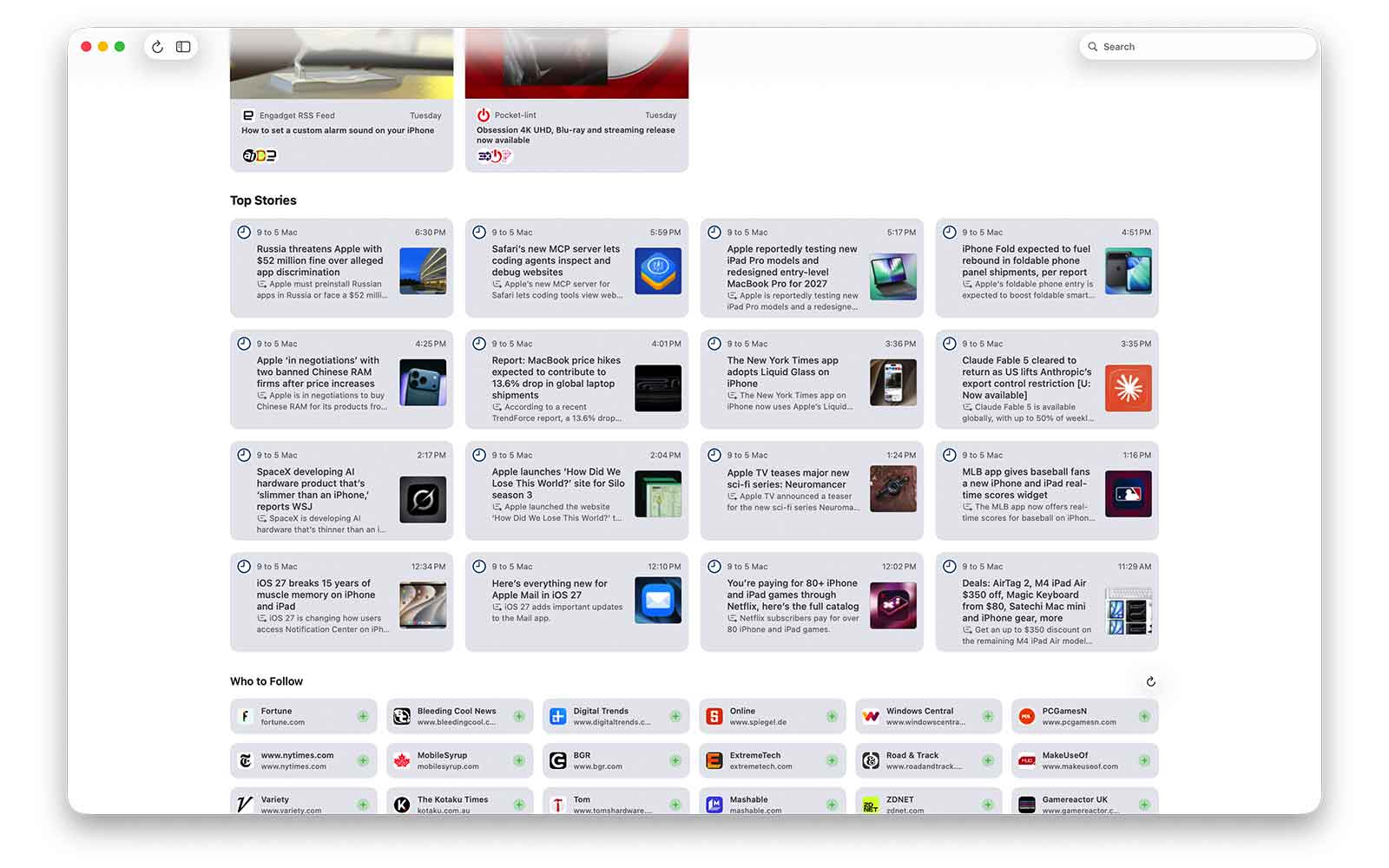
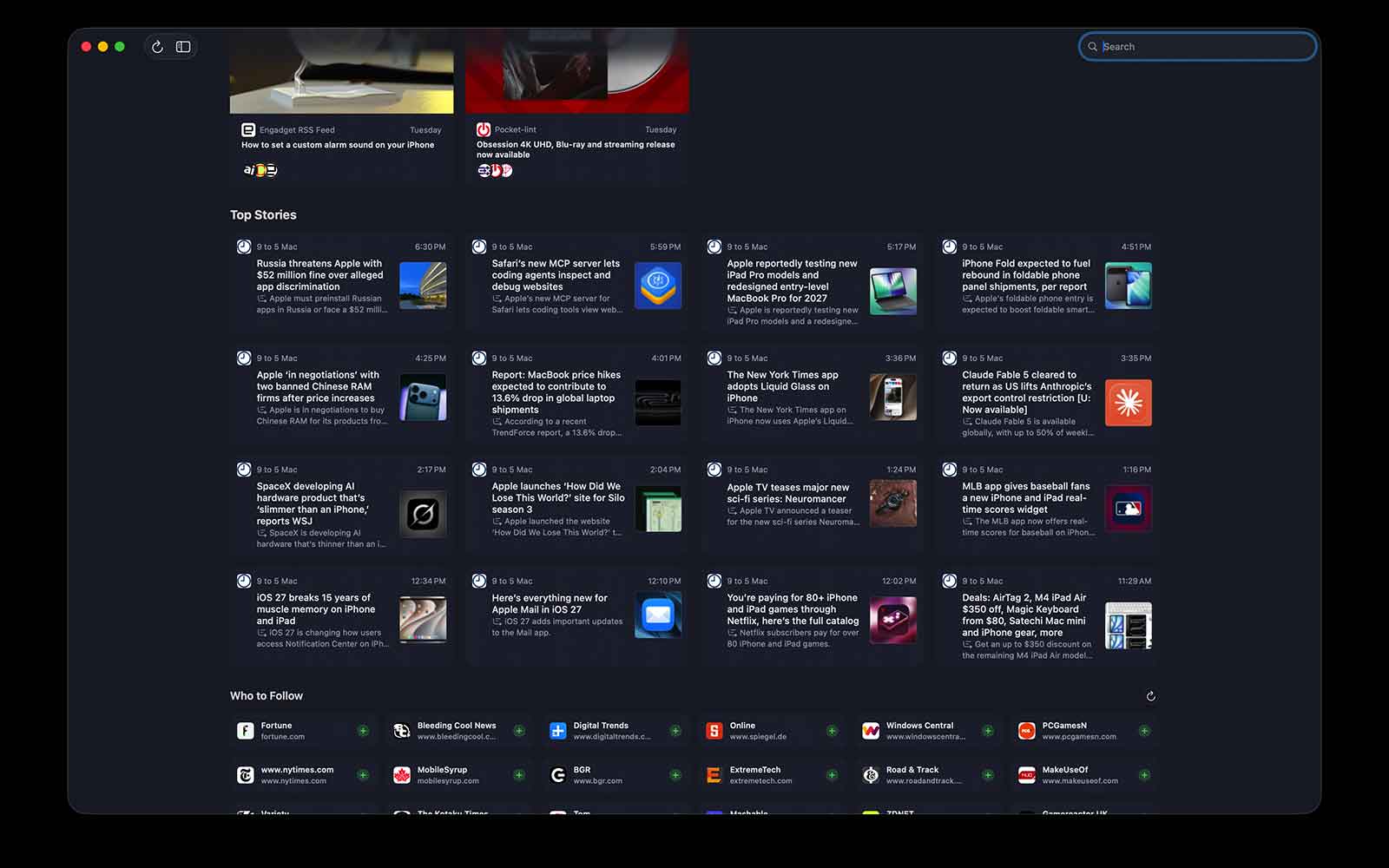
Top Stories
The day at a glance: the most significant articles from across your feeds, surfaced into a clean grid, with optional notifications when something genuinely big lands.
Summaries
Get the gist before you commit to the full read. Newsbin can generate a short summary of an article, and a quick overview of what’s in a list, so you can decide what’s worth your time.
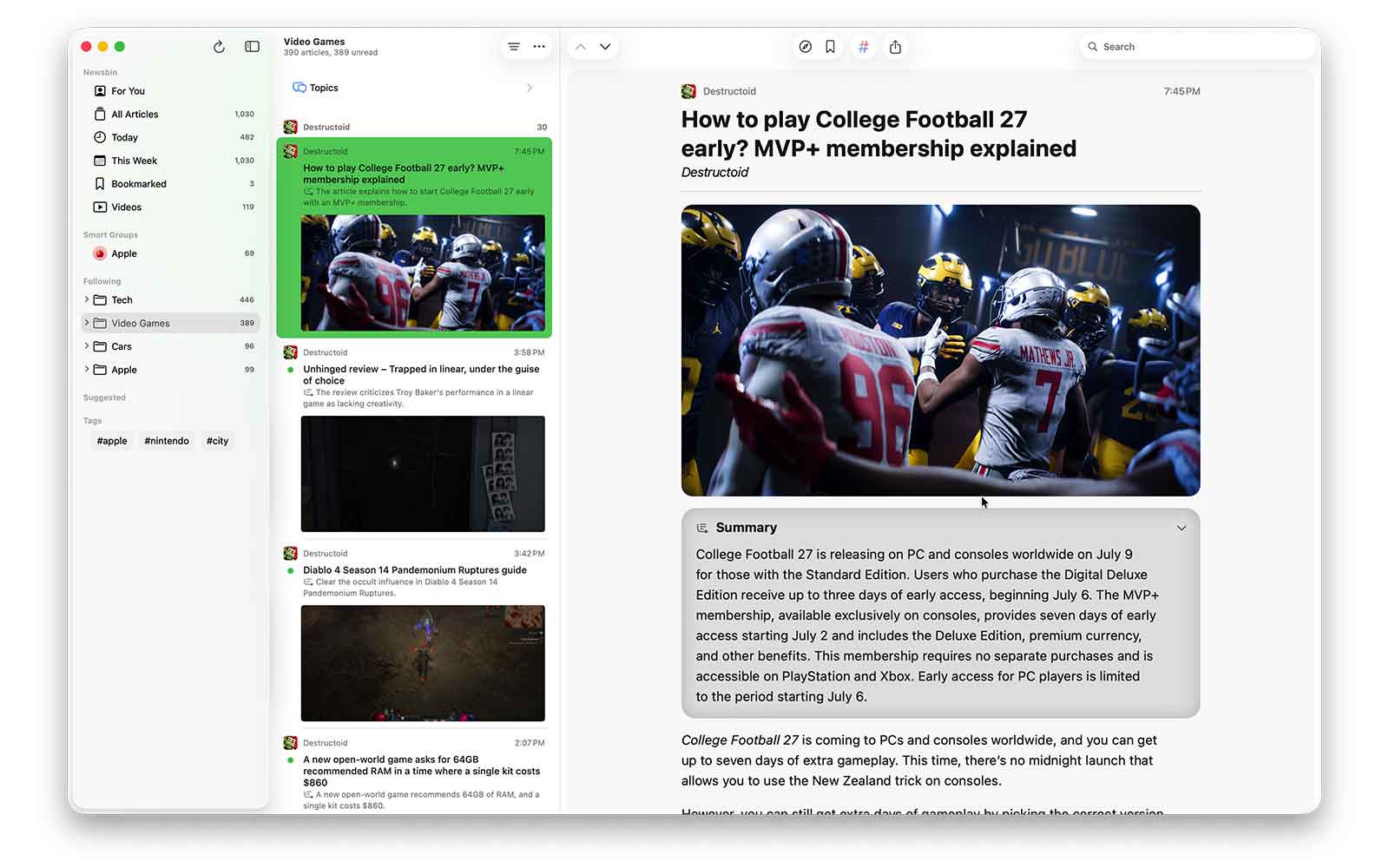
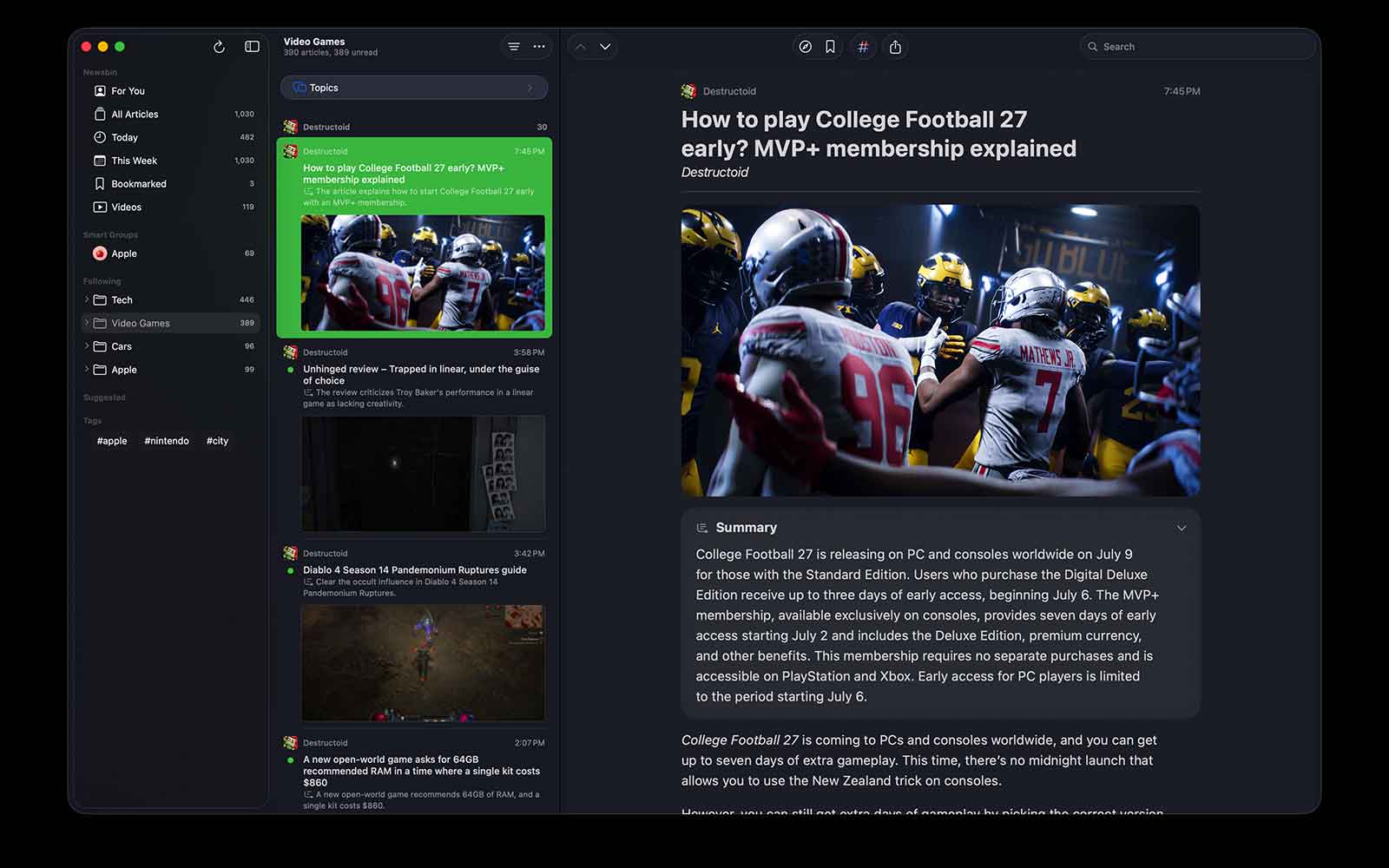
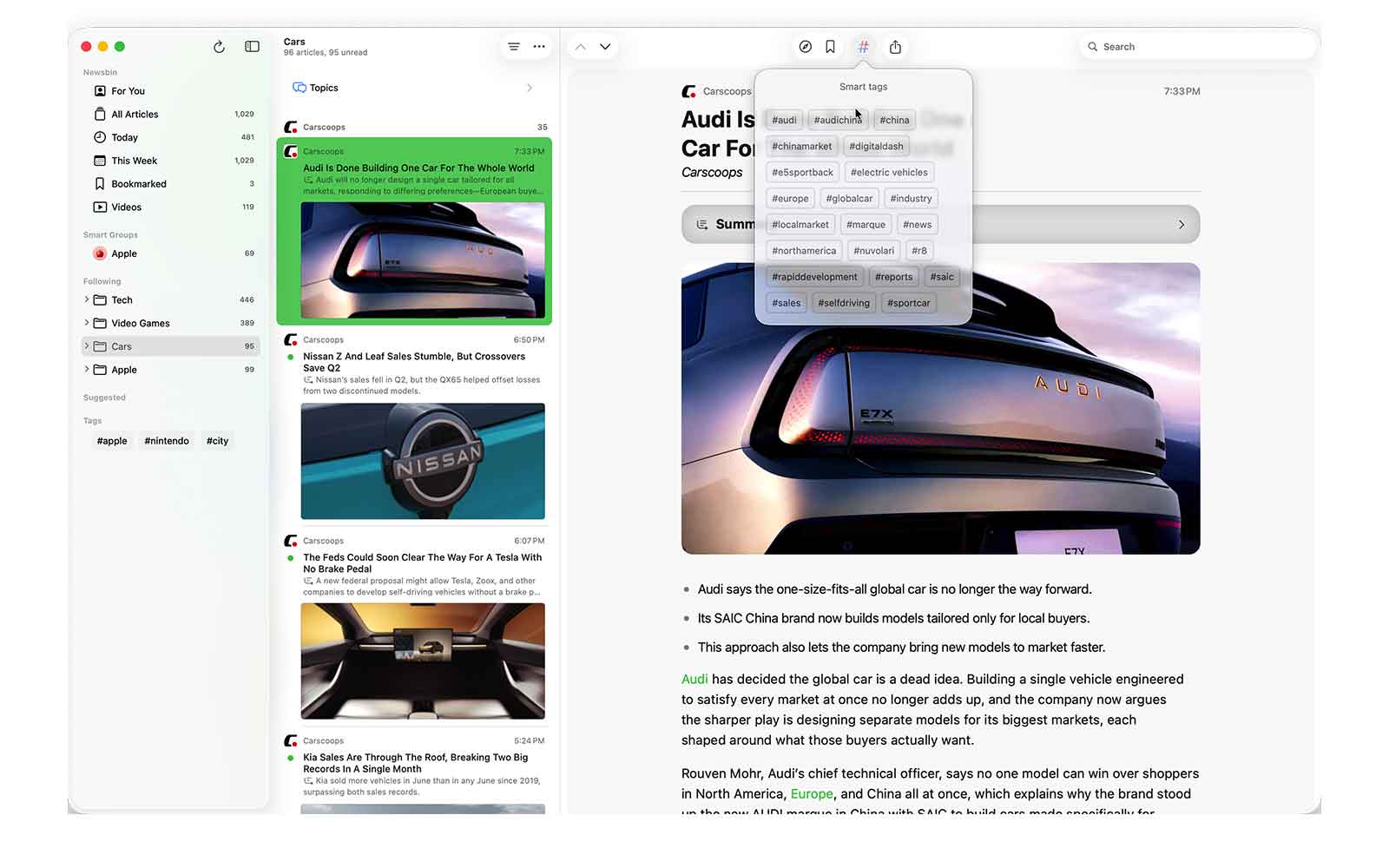
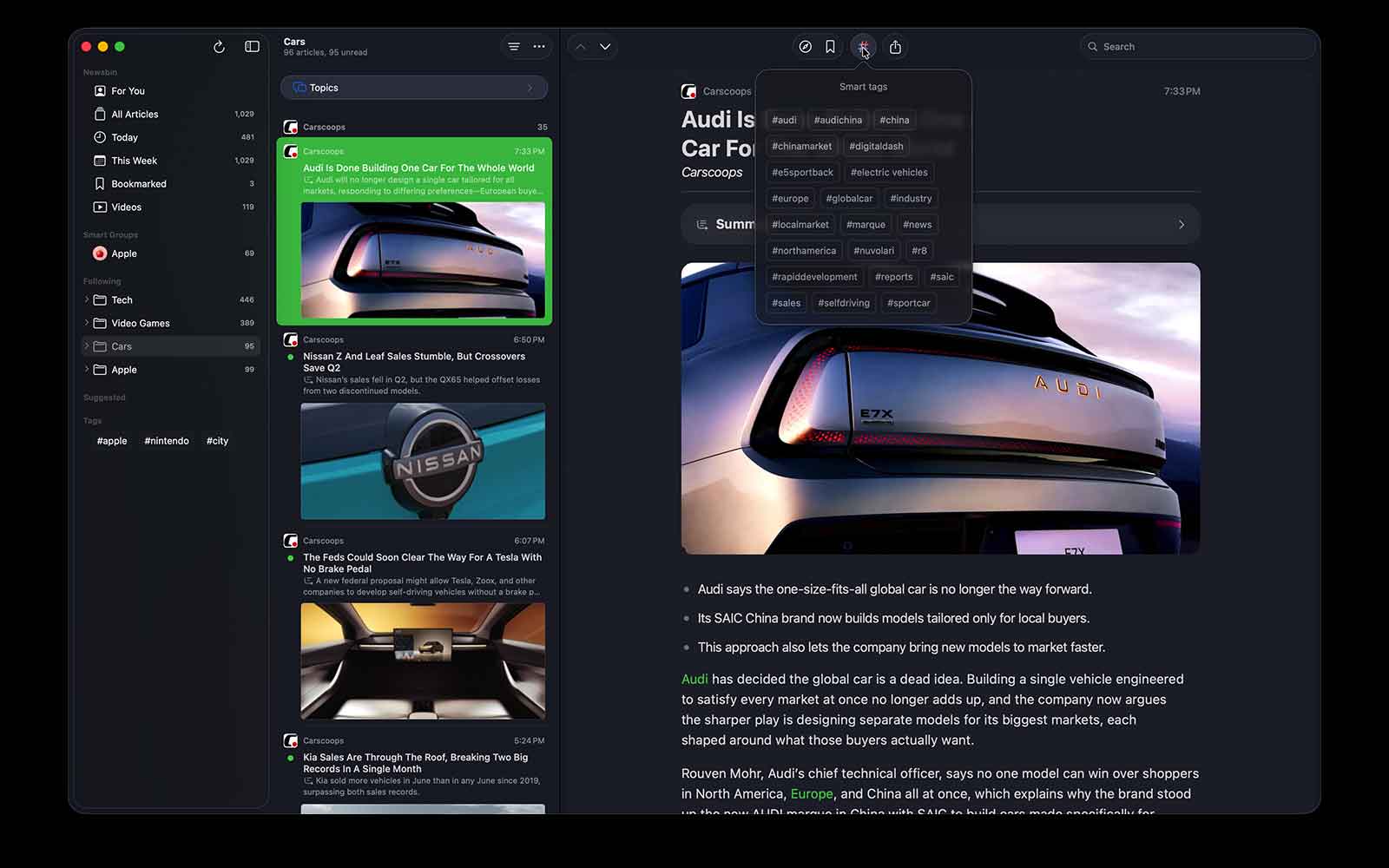
Smart Tags
Newsbin can read an article and tag it by topic automatically, so your feed organizes itself, and your existing tags and blocklists get a lot more powerful.
List summaries
Looking at a busy feed and not sure it’s worth your time? Newsbin can give you a plain-language summary of the whole list in a sentence or two, so you know what’s in it before you start scrolling. Simple, and about as much as you need.
Discover
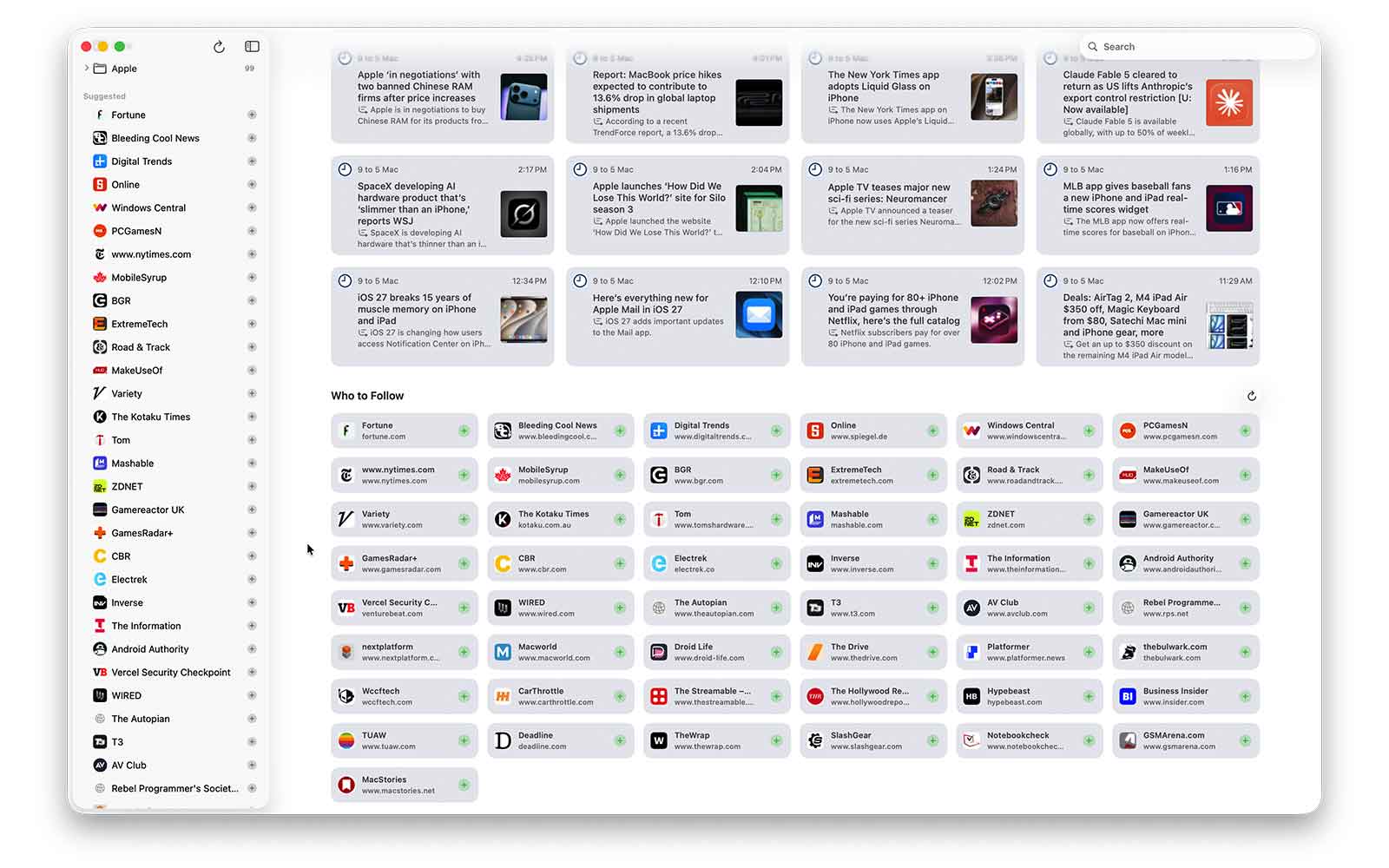
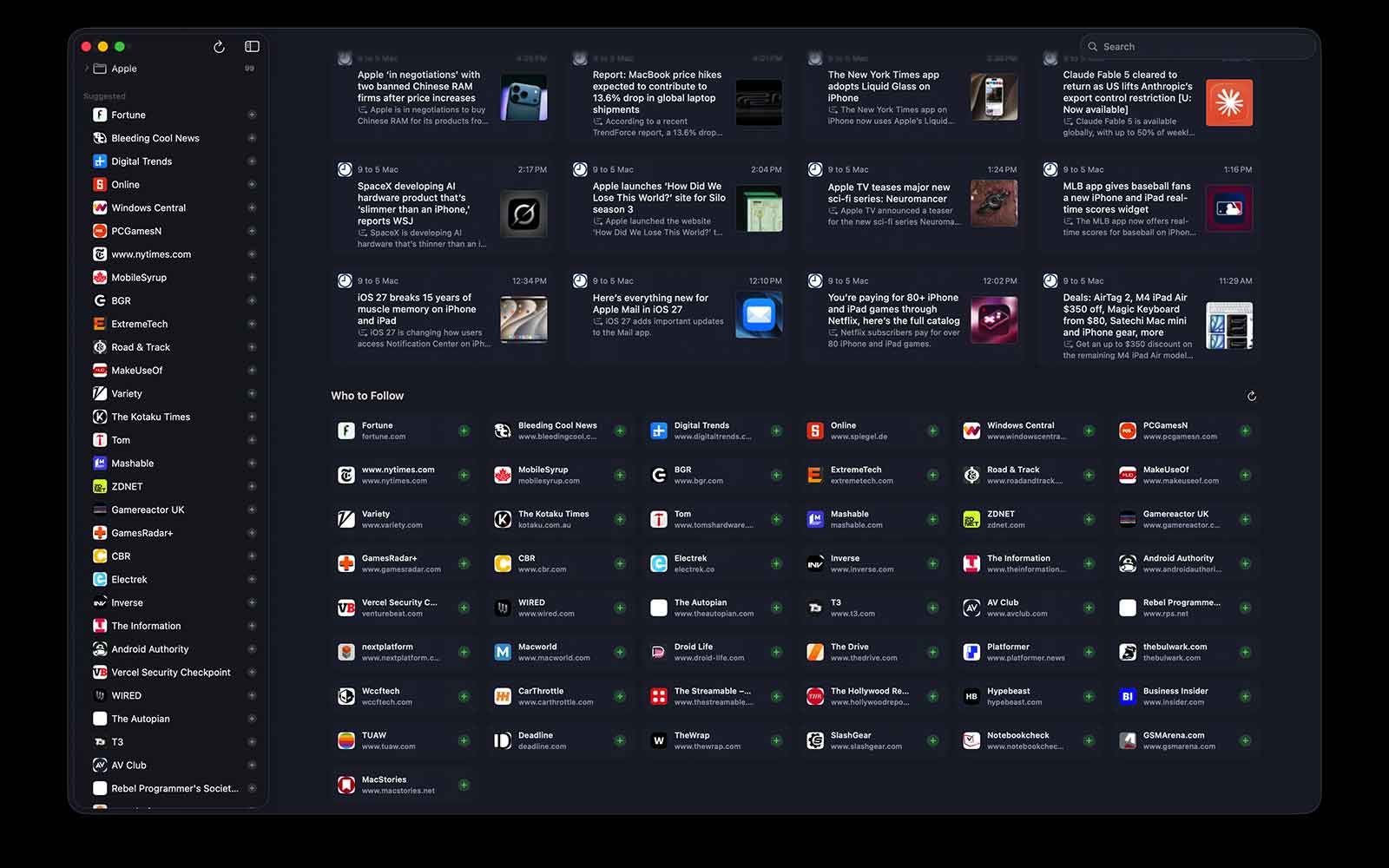
Find great feeds you’re missing. Newsbin suggests similar feeds and a “Who to Follow” list based on what you already read, a better answer to “what else should I be subscribed to?”
Your AI, your choice
This is the part that matters most. None of this runs through Xetabit. You choose the engine in the new Models settings: Apple Intelligence, which runs on your device, or your own API key for a provider like Anthropic’s Claude. Every AI feature is opt-in, and when it’s off, Newsbin works as it always has. Nothing about your reading is sent anywhere you didn’t choose.
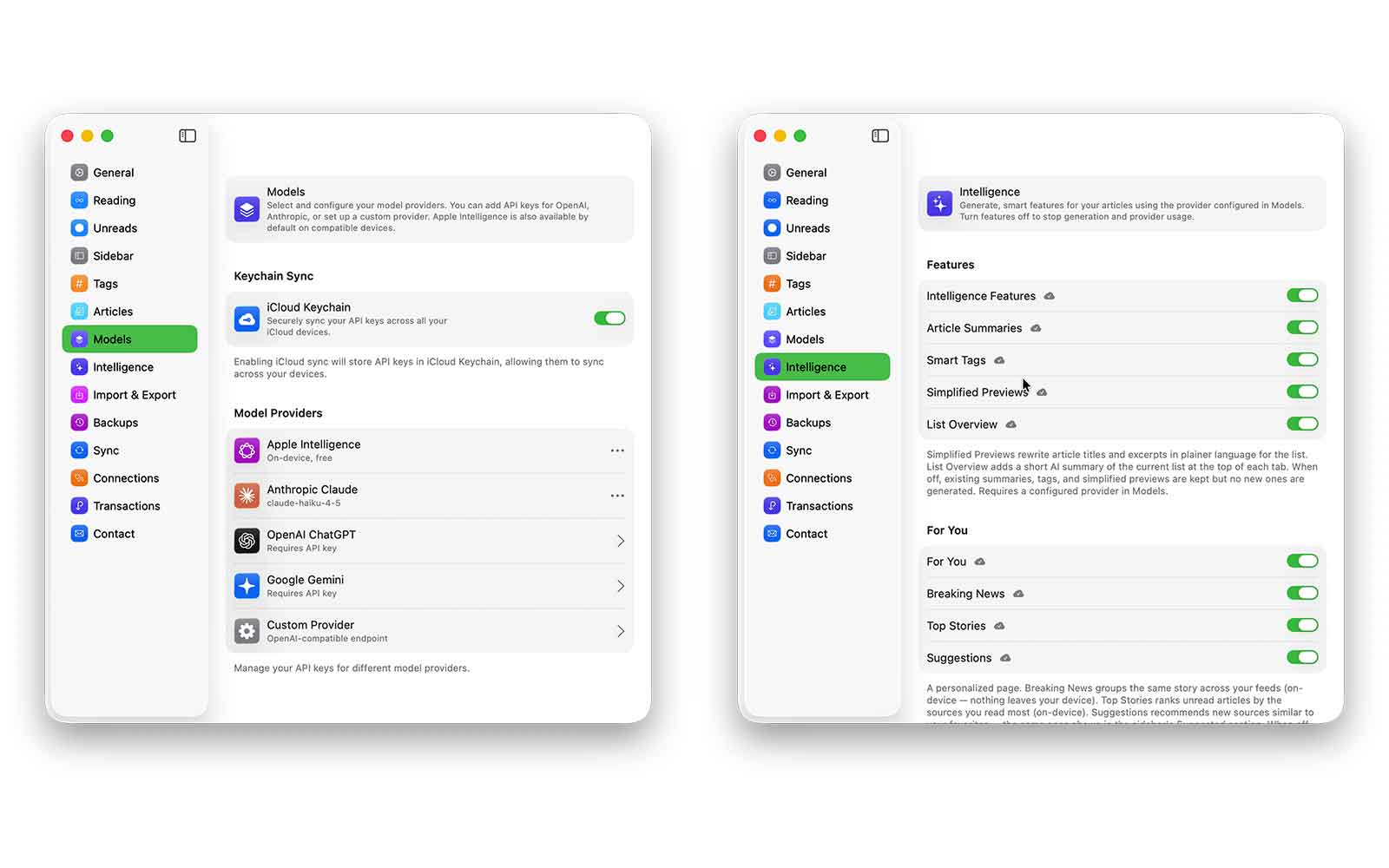
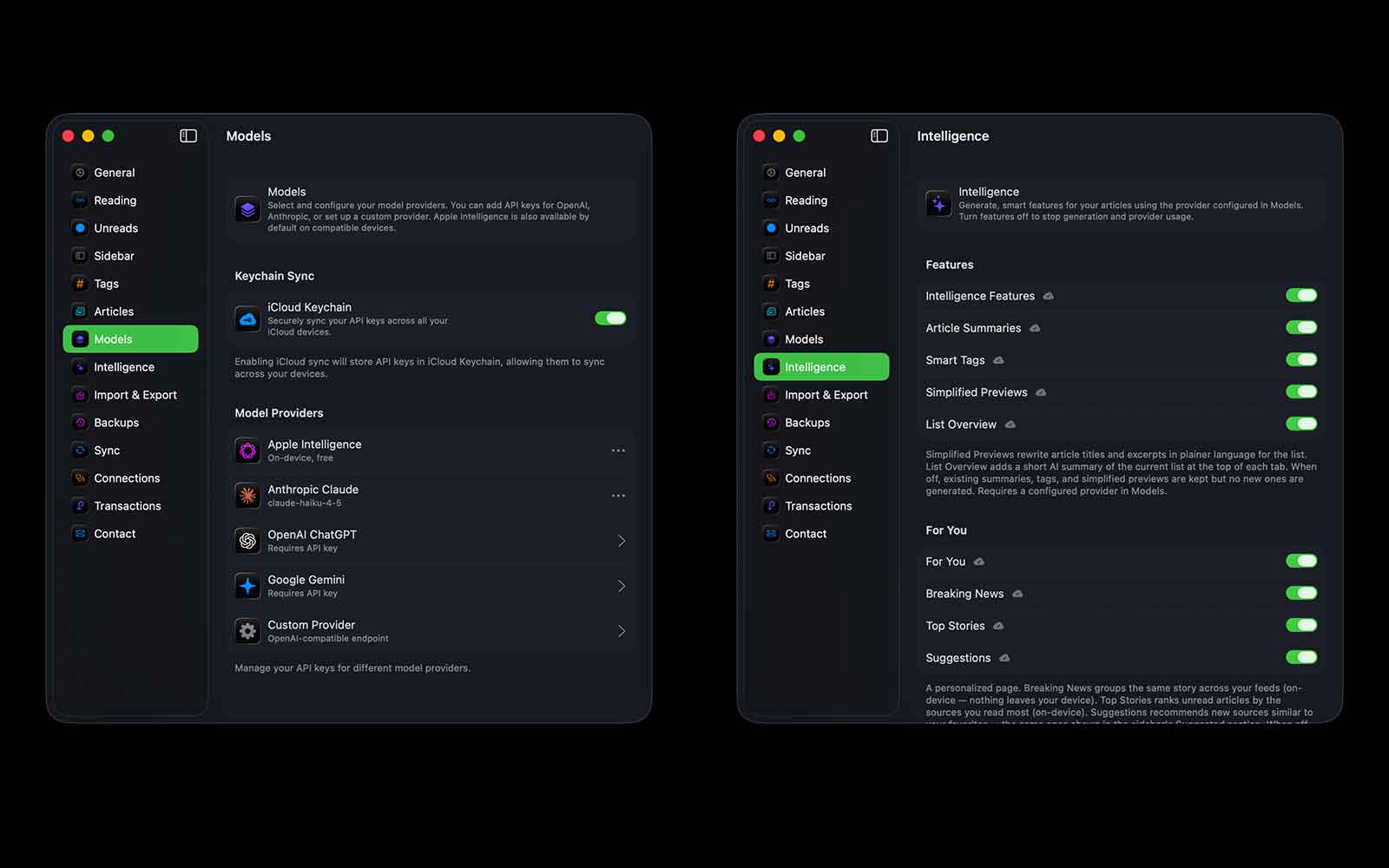
Coming July 25th
Newsbin 2.0 arrives on July 25th, one year to the week since Newsbin first launched. After a year of near-weekly updates, it feels right to mark the anniversary with the biggest release yet. It’s a free update for everyone, and as always: free to try, pay once for life or subscribe, your choice, no lock-in.
If you’ve been reading along, you know I built Newsbin because I was tired of the state of reading online. Version 2.0 is me asking a harder question: can AI make reading better (calmer, more organized, more yours) instead of worse? I think it can, if it’s built the right way. When it lands on the 25th, give it a try and tell me if I got it right.