Blog
Say Hello to Postout
Today I’m opening the TestFlight beta for Postout, the second app from Xetabit. It launches on the App Store on October 23.
Postout didn’t start out as a product. Once people were actually using Newsbin, I wanted to talk to them, which meant posting in more places than I ever had before. Every update turned into the same chore: write the news once, then rewrite it for Bluesky, again for Mastodon, longer for Reddit, different again for a X. Getting the facts down was easy. Reshaping them five times was the part I kept putting off.
So I bootstrapped a tiny app for myself. It did one thing: take an idea and spit out a version for each platform I posted to. It was rough, it only ran on my machines, and I used it constantly. At some point I realized I wasn’t the only person with this problem, and that a tool I’d come to rely on deserved to be built properly and shared.
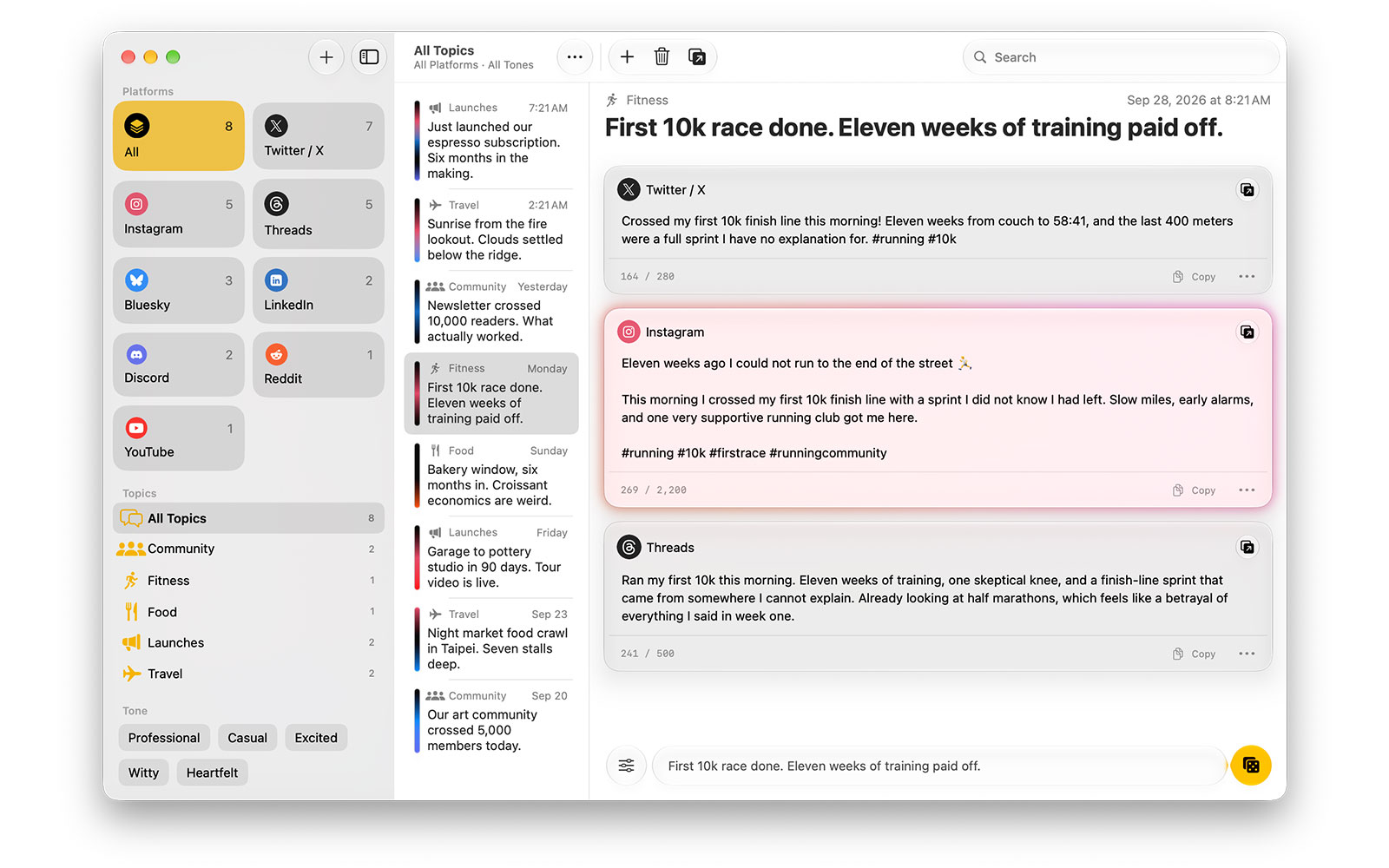
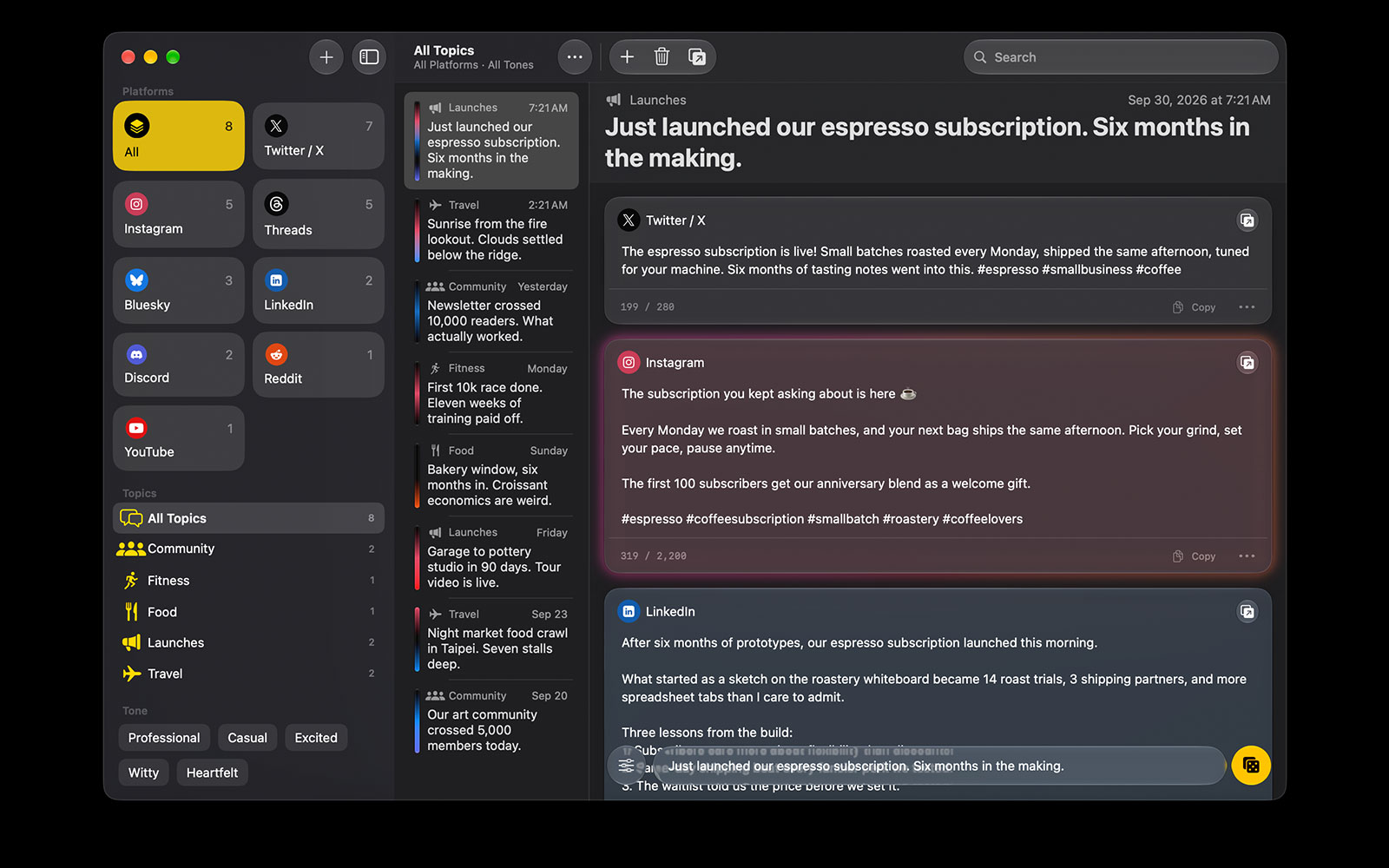
That’s Postout. You type an idea once, and it writes a starting draft for every place you post, each one sized to fit and written in that platform’s style.
The part I care about most: it should sound like you
I’ve complained a lot on this blog about AI slop, so I’ll be upfront: Postout uses AI to write. I’m comfortable with that only because of how it’s used. It helps with the tedious part, and it leaves the important part to you.
Most AI writing tools fail at the same thing. Everything comes out sounding like the same cheerful chatbot. Postout tries to fix that in two ways.
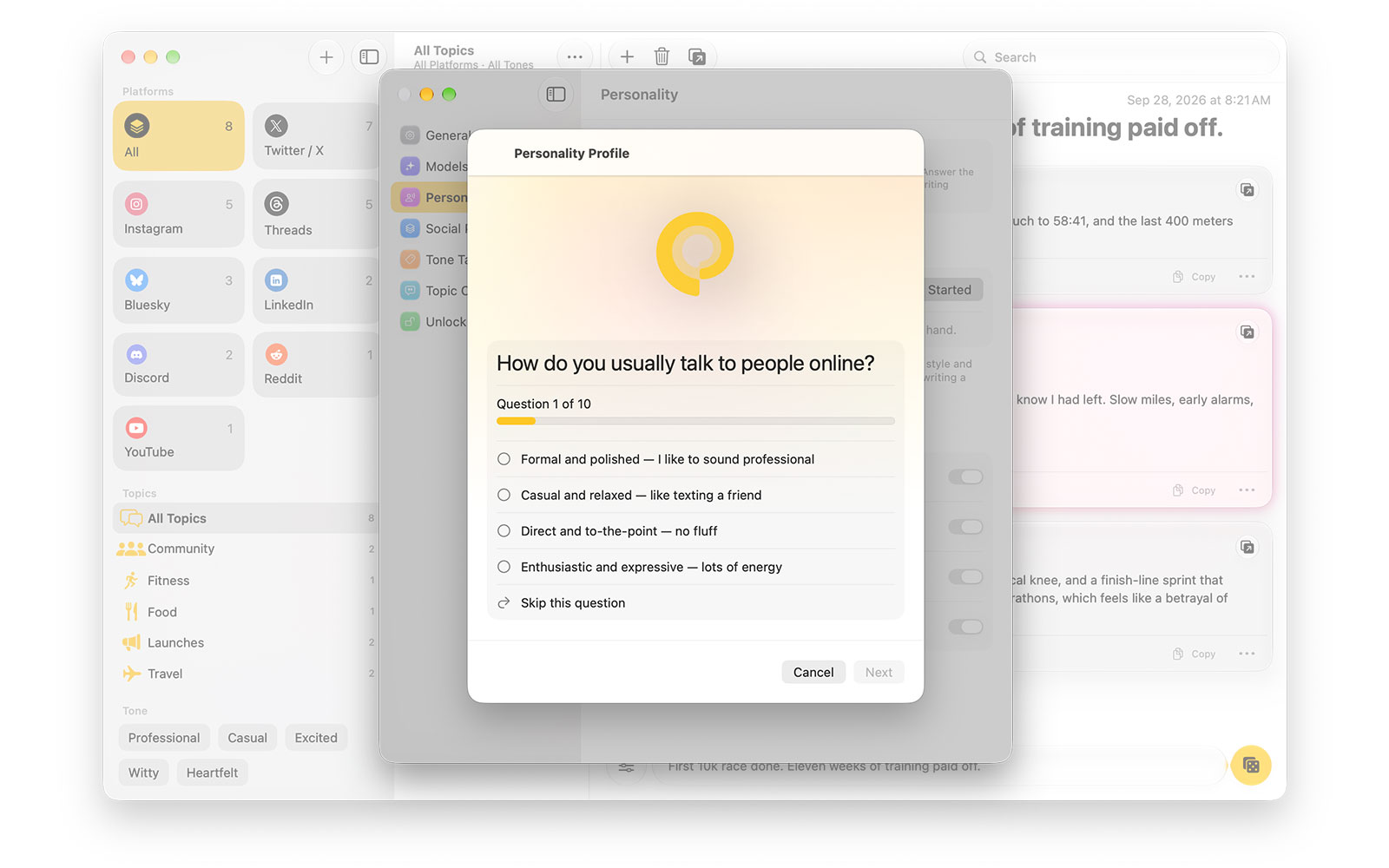
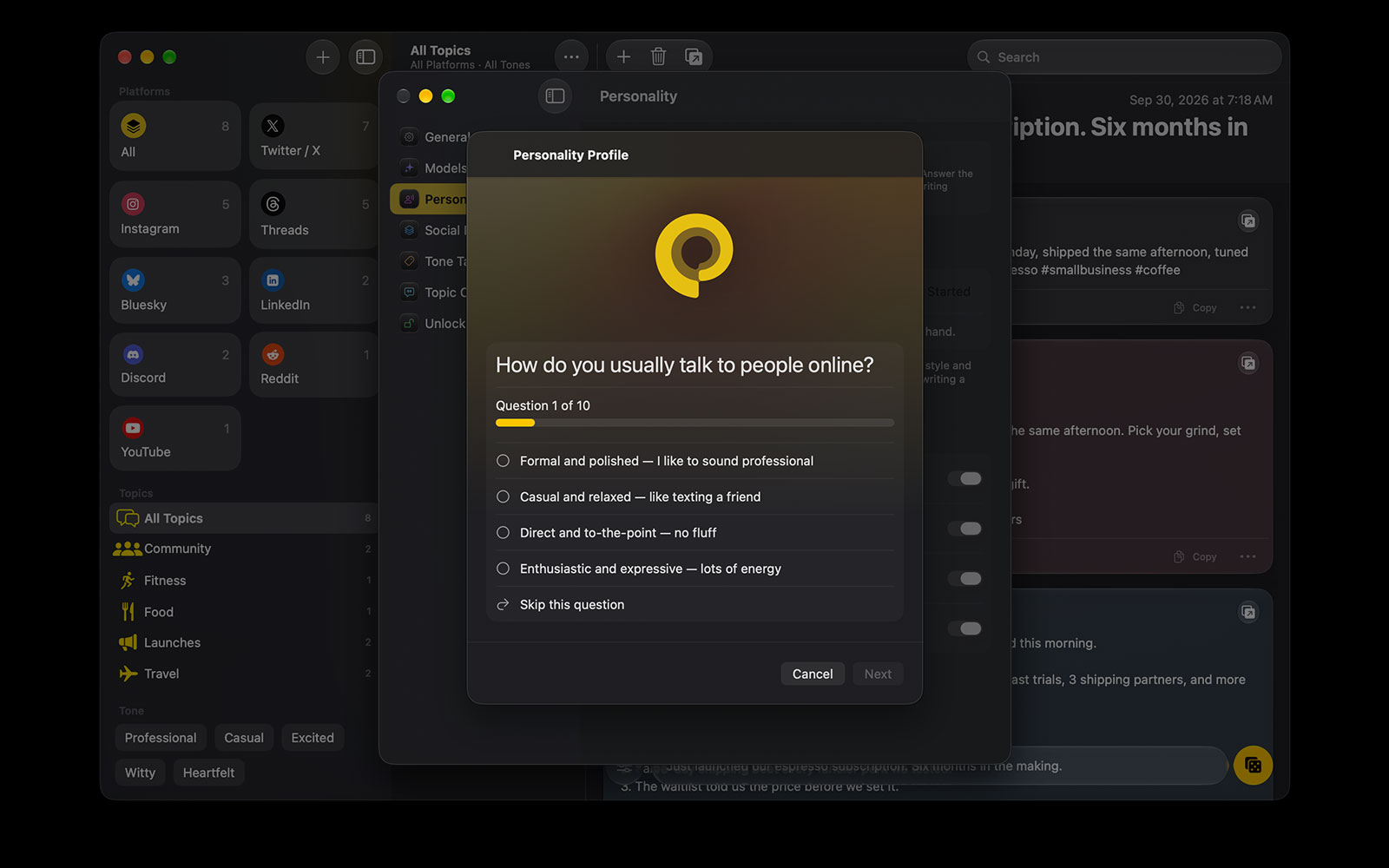
The first is a personality profile. Ten quick questions about how you actually talk online: how you open a post, what role humor plays, how you handle disagreement, how you feel about hashtags. Postout turns your answers into a short description of your voice, and that shapes every draft. You can rewrite it by hand any time, and I’d encourage you to.
The second is a cleanup pass. Telling a model “don’t write like an AI” only gets you so far, so Postout also scrubs every draft after it comes back, before you see it. The stray markdown, the throat clearing, the punctuation and vocabulary that give AI writing away all get removed. Formatting survives only on platforms that actually render it.
What it deliberately doesn’t do
It never posts for you. Postout doesn’t connect to any social network, and it never asks you to sign in to one. Drafts stop at your clipboard. Copy and Open puts the text on your clipboard and takes you to the site, but the last read and the last tap are always yours. That’s the whole point: these are drafts, not final posts, and the details only you know are what make a post worth reading.
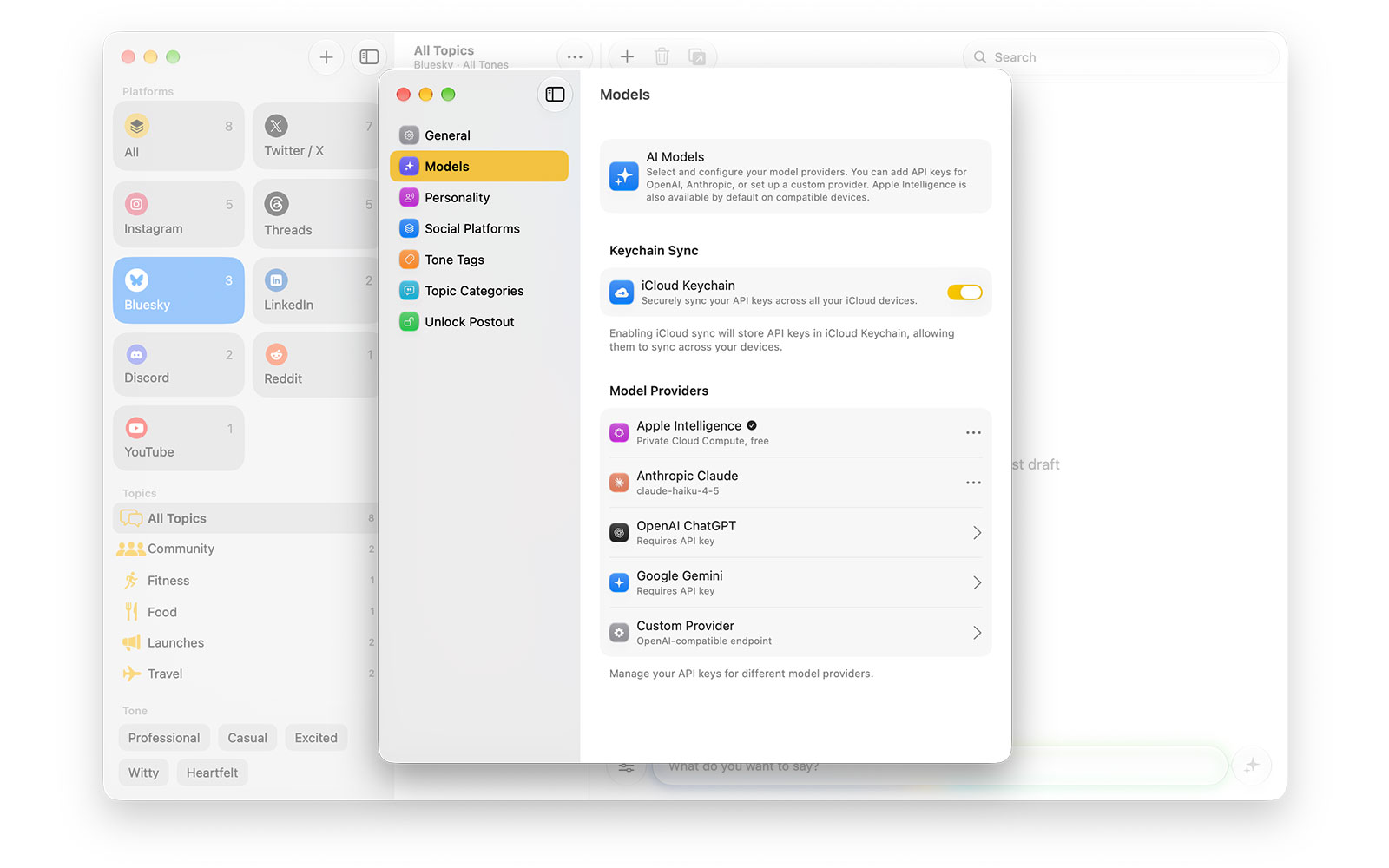
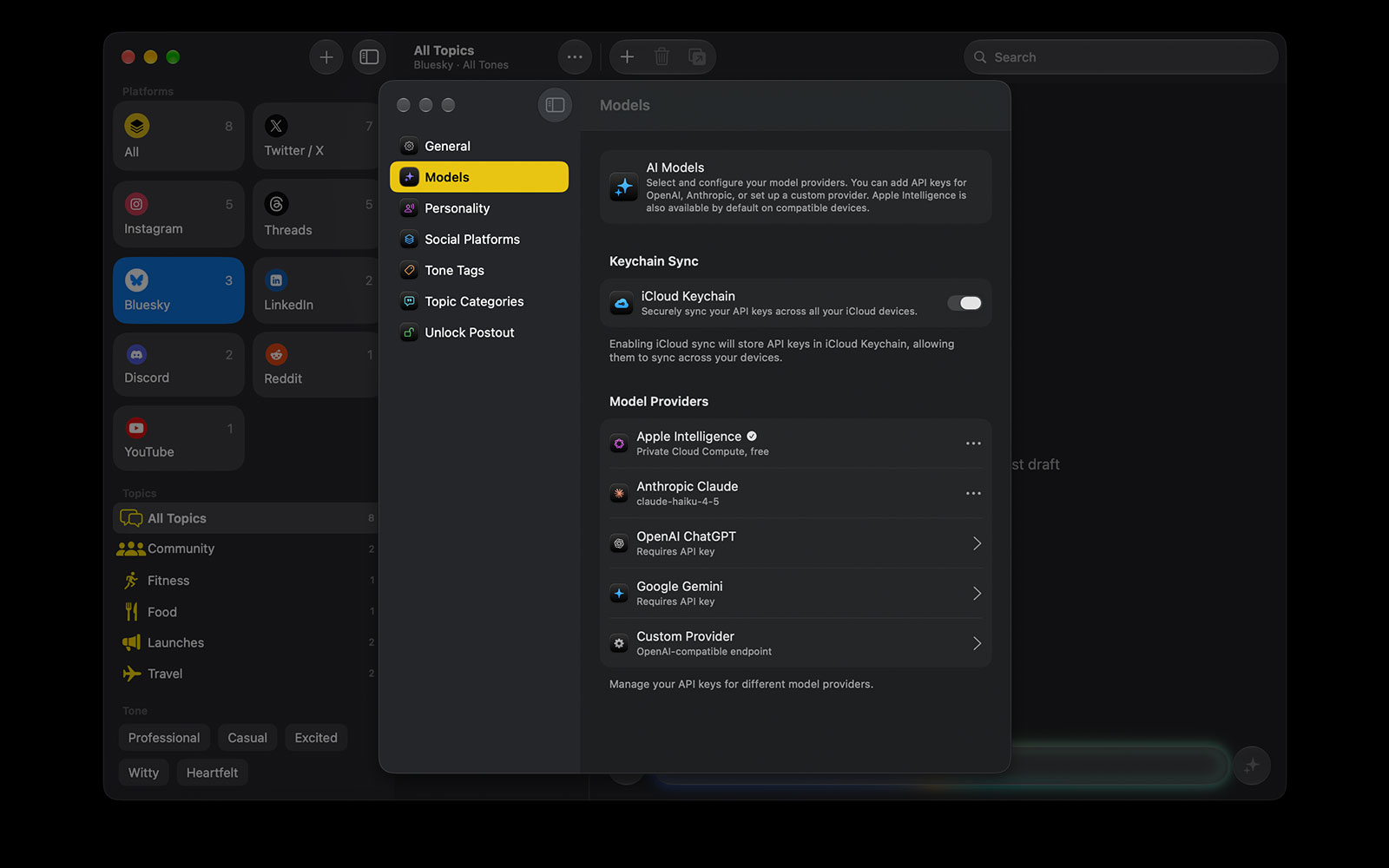
It doesn’t route anything through me. Postout has no AI model of its own. Use Apple Intelligence and nothing leaves your device at all, or add your own API key for Claude, OpenAI, Gemini, or any OpenAI-compatible endpoint. Keys live in your Keychain, and your ideas go straight to the provider you picked, billed to your own account.
It doesn’t track you. No account, no analytics, no ads. Your drafts sync through your own iCloud account, the same way Newsbin works.
What’s in the beta
- 23 built-in templates for the places people actually post, from Bluesky, Mastodon, and Threads to LinkedIn, Reddit, Substack, YouTube, and Discord. Each one is a writing style and a character limit, and you can edit any of them or make your own.
- Tone tags to nudge a single draft funnier, bolder, or more professional without touching your profile.
- Links as context. Paste a link into your idea and Postout reads the page first, so the draft can talk about what it actually says.
- Topics and History so nothing you wrote gets lost. Everything is searchable, and your drafts show up in Spotlight too.
- Shortcuts and Siri. “Draft a post in Postout” works from anywhere.
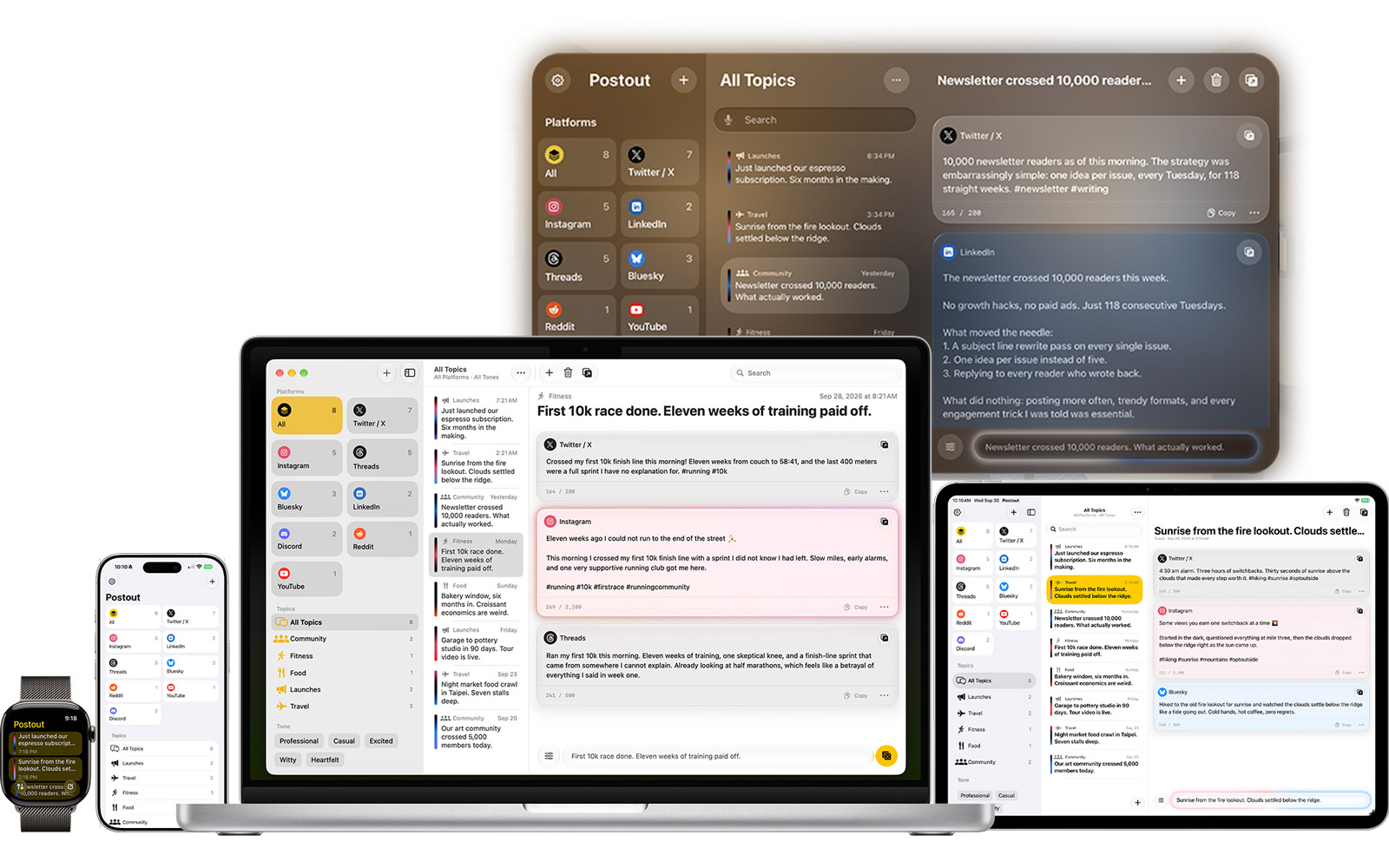
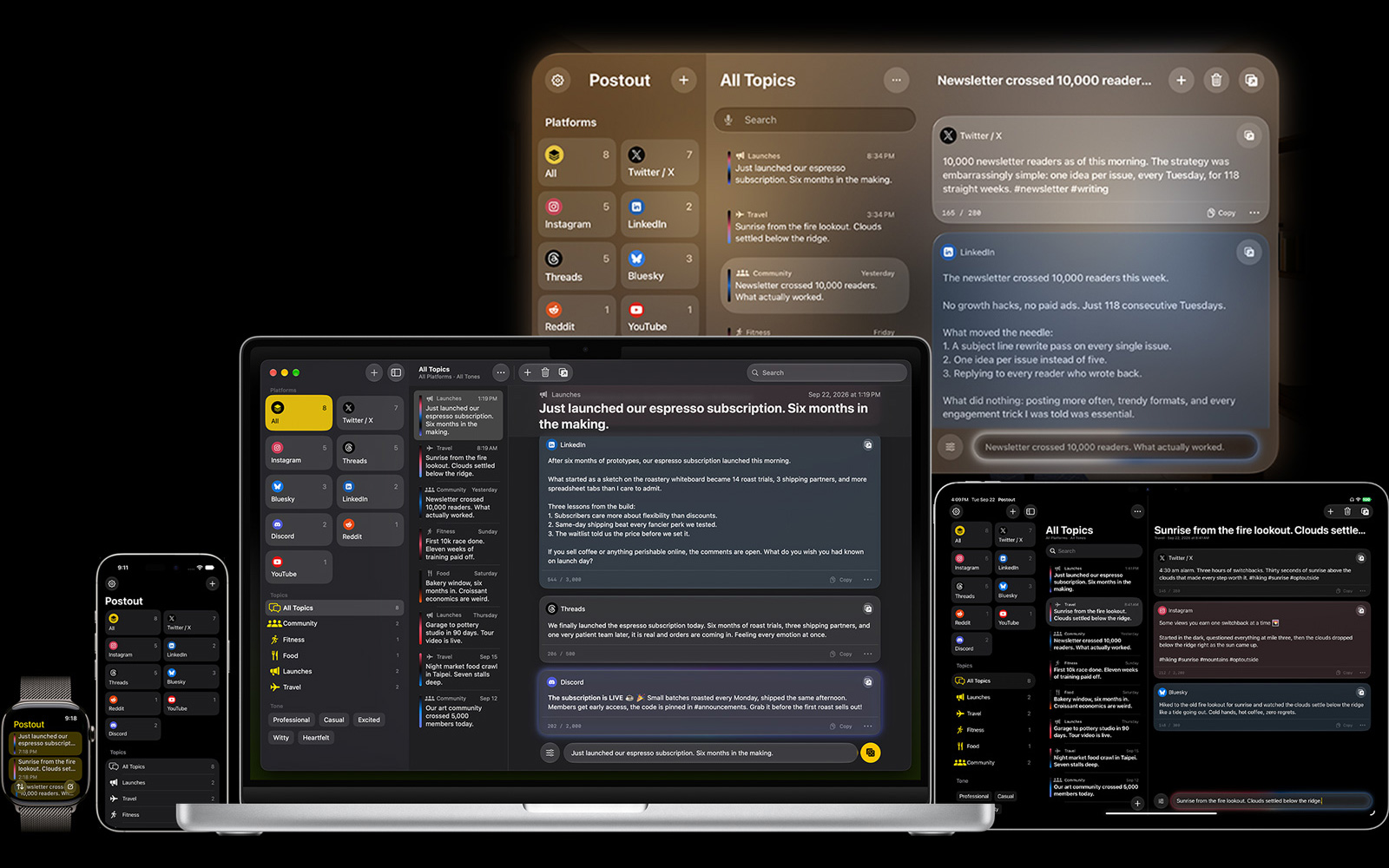
- Every Apple device. iPhone, iPad, Mac, Apple Watch, and Apple Vision Pro, all native and all built in Swift.
About pricing
The beta is free to join. When Postout launches on October 23, it’ll work the way the beta does now: seven days free with everything included, then a single one-time purchase to keep creating new drafts. No subscription, Family Sharing included, and your drafts and history are never locked.
In TestFlight, that purchase is a sandbox purchase, so you won’t be charged. Please go through it anyway when your week runs out. It’s the best way for me to find out whether the real flow works. (A TestFlight purchase doesn’t carry over to the App Store version.)
What I’d love feedback on
I’m one person, and there are a little over three weeks until launch, so every report genuinely matters. The things I most want to hear about:
- Does it sound like you? Take the questionnaire, write a few drafts, and tell me where the voice is off.
- The templates. If you live on a particular platform, you know its norms better than I do. Tell me where a draft feels wrong for the place it’s going.
- Your provider. Results vary between Apple Intelligence and the cloud models. I’d love to know which one you used and how it went.
- Anything broken, on any device.
The easiest way to send feedback is from TestFlight itself: take a screenshot in Postout and tap Share Beta Feedback. You can also reach me through the contact page. I read everything.
Join the beta
Join the beta on TestFlight, or read more on the Postout page first. If you get stuck, the new Postout Help Center covers setup, API keys, and the beta, and the FAQs answer the quick questions.